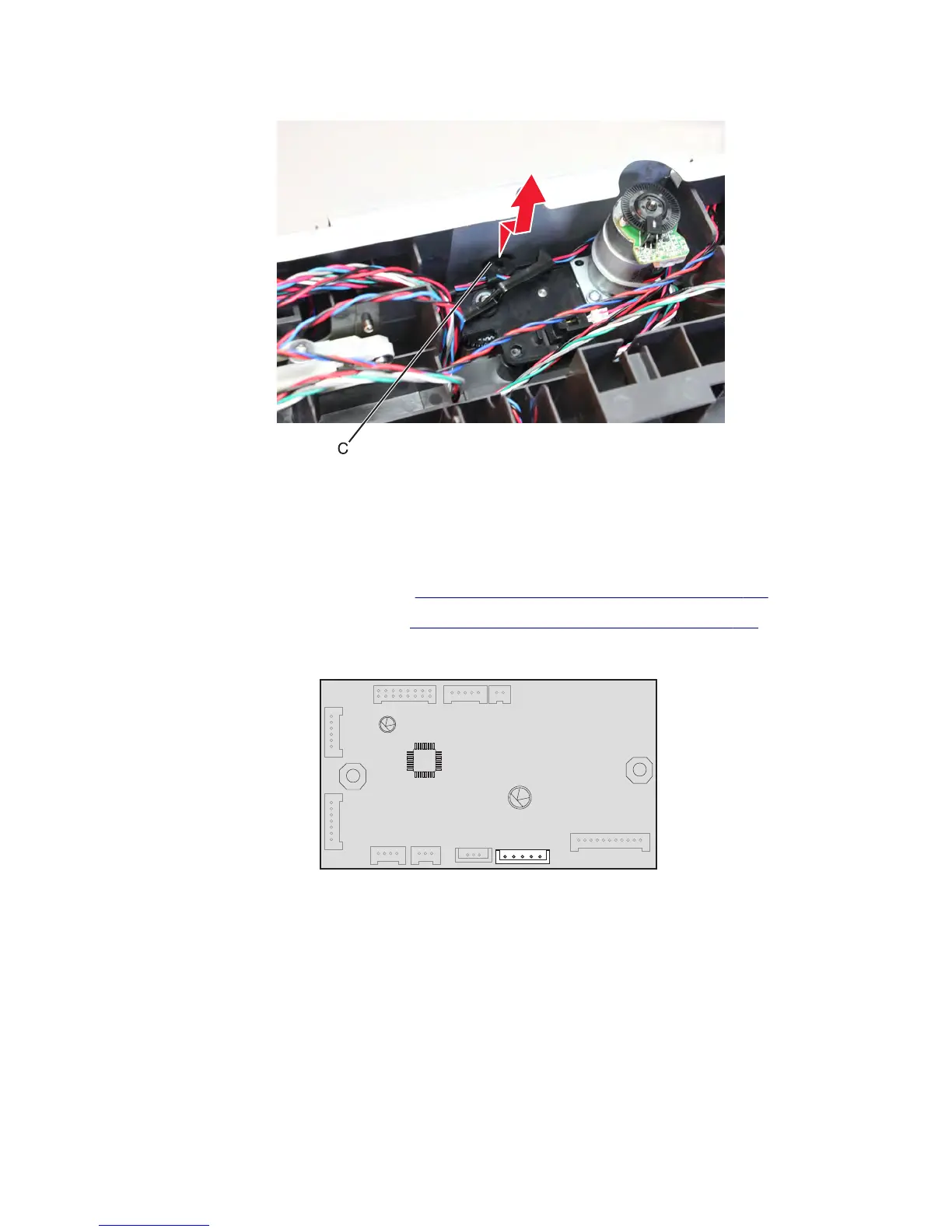
• While pushing the media feeder upward, release the tab (C) by pulling the feeder backward.
Warning—Potential Damage: Ease the media feeder off the drawer. Be careful not to damage the media
feeder.
Drawer transport motor removal
1 Remove the drawer assembly rear cover. See “Drawer assembly rear cover removal” on page 651.
2 Remove the drawer assembly left cover. See “Drawer assembly left cover removal” on page 652.
3 Disconnect the drive motor cable J10 from the controller board.
7463
Repair information
658



 To Next Page