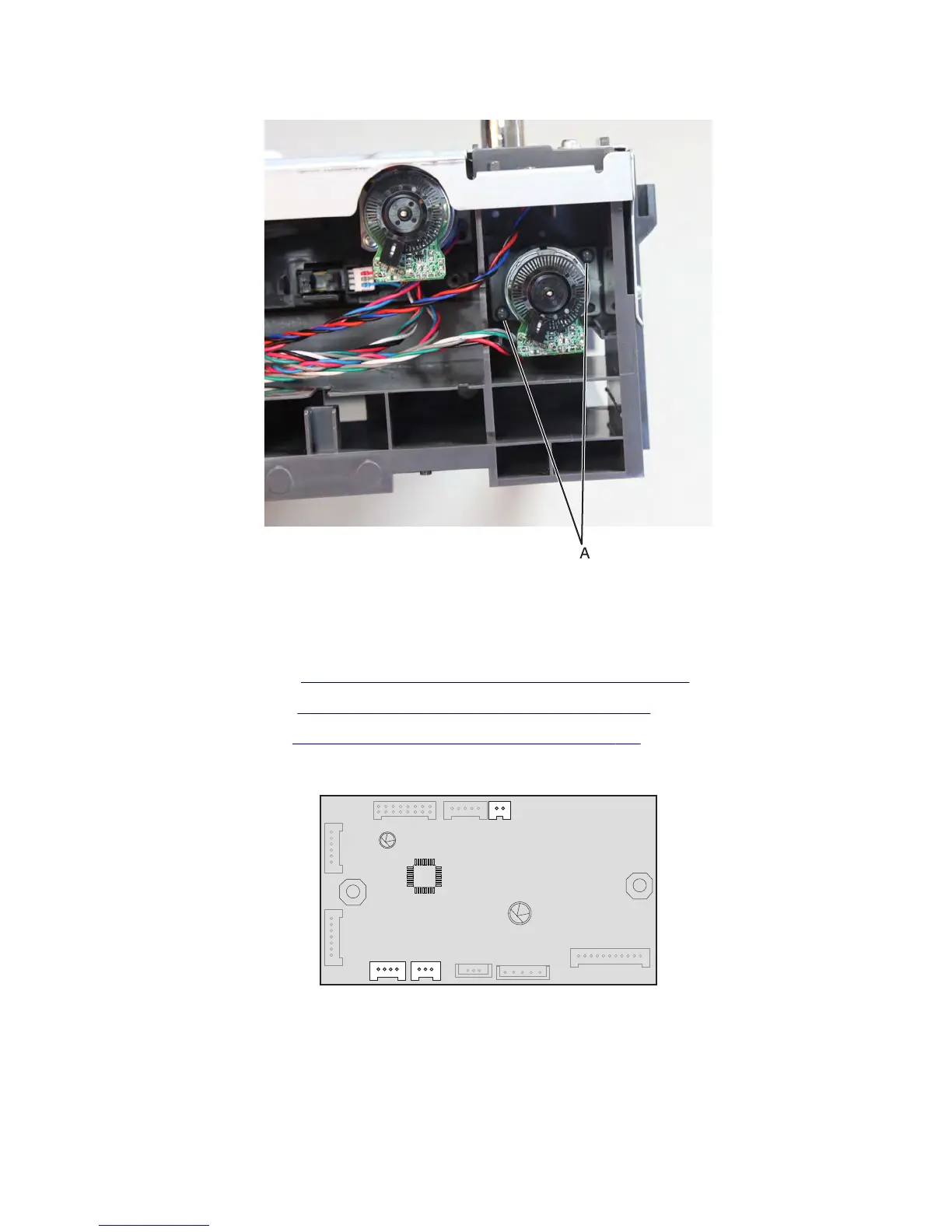
4 Remove the two screws (A) using a #1 Phillips screwdriver.
5 Route the cable off the drawer, then remove the transport motor.
Sensor (drawer pass through) removal
1 Remove the media tray. See “250/550-sheet media tray option removal” on page 648.
2 Remove the rear cover. See “Drawer assembly rear cover removal” on page 651.
3 Remove the left cover. See “Drawer assembly left cover removal” on page 652.
4 Disconnect and release the cables (J4, J8 and J7) from the controller board.
Note: Pay attention to the original position of the cables.
7463
Repair information
659



 To Next Page