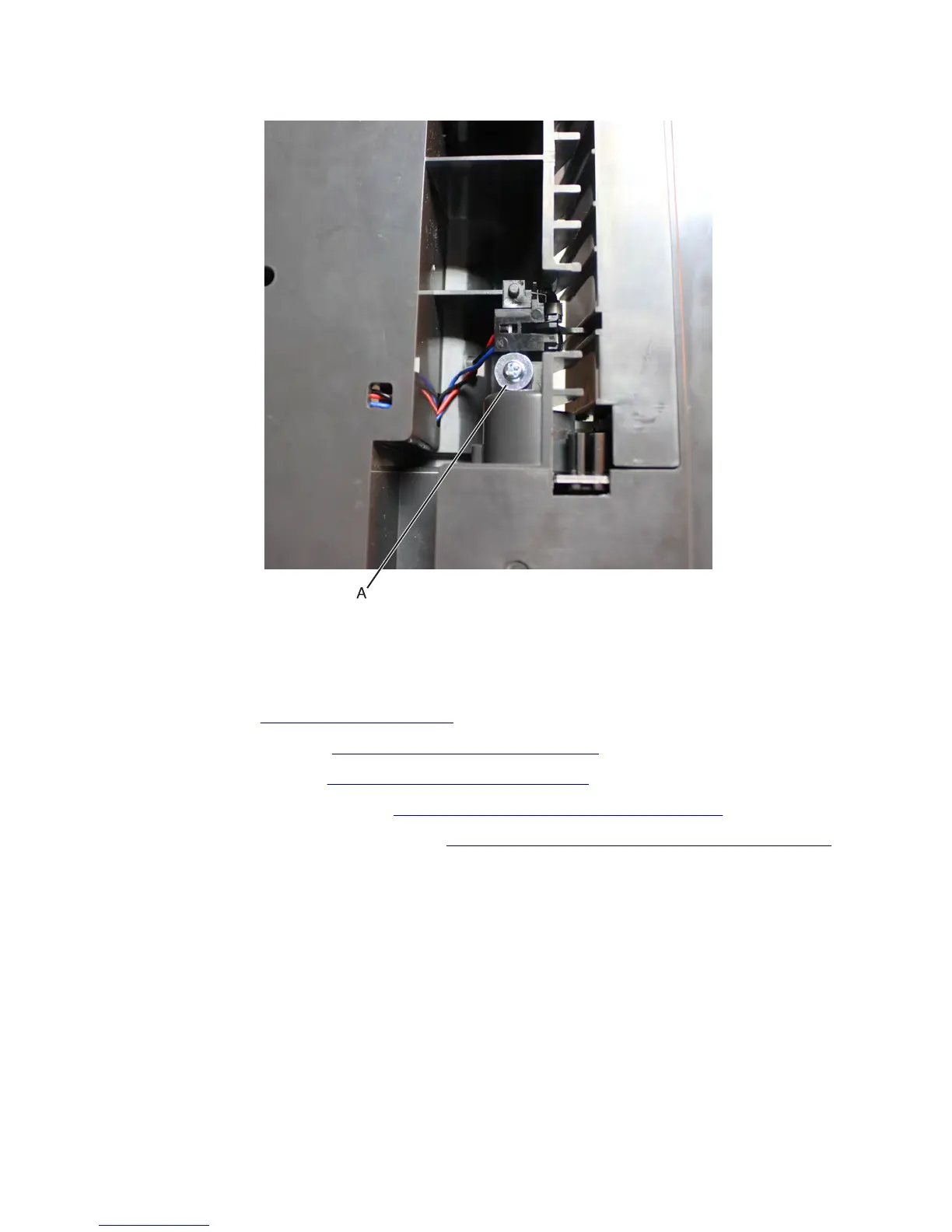
5 Remove the screw (A) securing the sensor.
6 Release the cable from its cable holders, then remove the sensor.
HCIT media feeder removal
1 Remove the HCIT. See “HCIT removal” on page 665.
2 Remove the HCIT rear cover. See “HCIT rear cover removal” on page 671.
3 Remove the HCIT left cover. See “HCIT left cover removal” on page 672.
4 Remove the HCIT top cover assembly. See “HCIT top cover assembly removal” on page 677.
5 Remove the sensor (HCIT pick roller position). See “Sensor (HCIT pick roller position) removal” on page 683.
7463
Repair information
686



 To Next Page