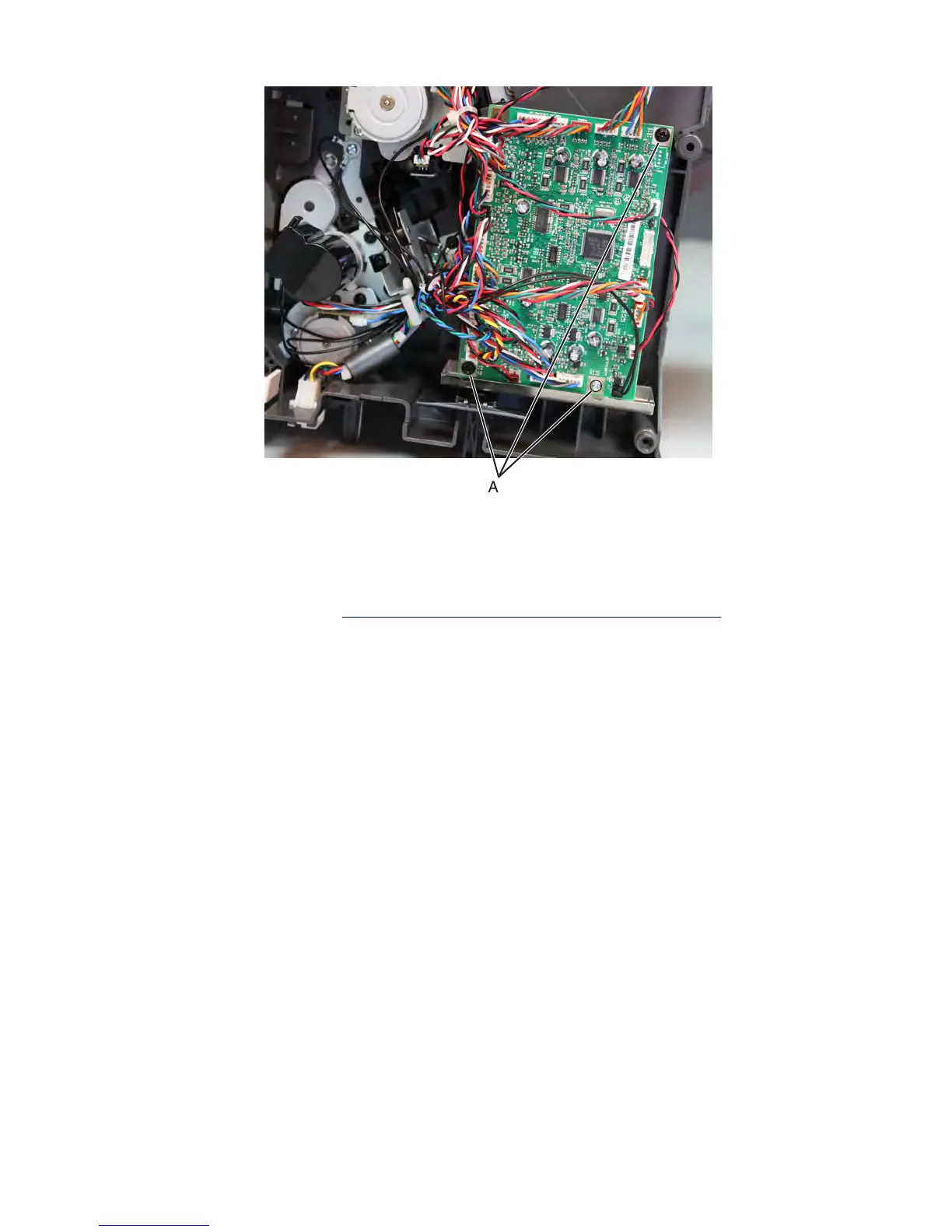
3 Remove the controller board.
Stapler/offset stacker main motor removal
1 Remove the stapler left cover. See “Stapler/offset stacker left cover removal” on page 726.
2 Disconnect the motor cable J3 from the controller board.
3 Remove the three screws (A) from the motor bracket, and then cut the cable tie securing the cables.
Note: Pay attention to the original routing of the cables. Make sure the cables don't get in the way of moving
parts by securing them with cable ties.
7463
Repair information
757



 To Next Page