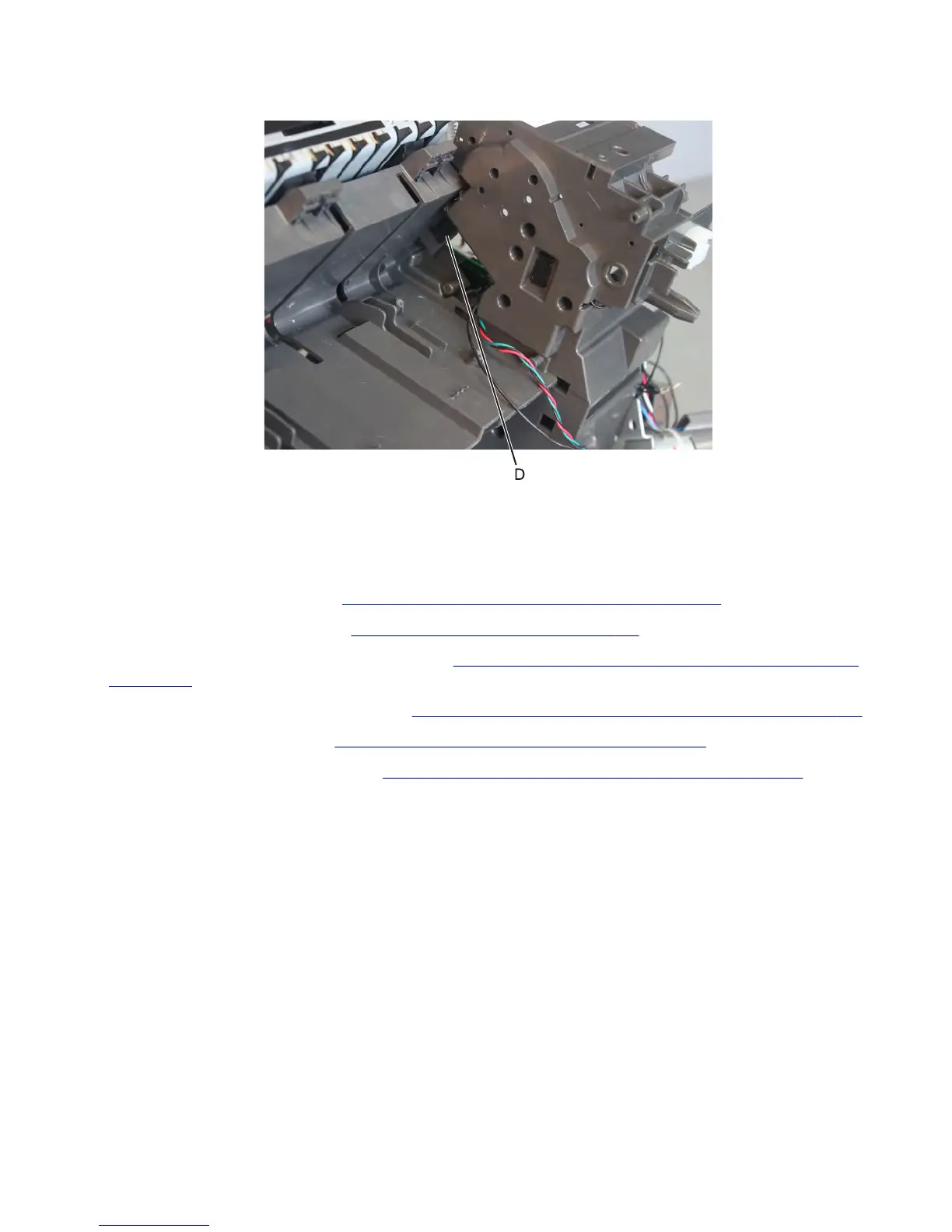
12 Remove the mylar plate (D) covering the sensor latches. Release the sensor latches.
13 From the other side of the frame, disconnect the sensor cable, and then remove the sensor from the frame.
Sensor (stapler/stacker diverter plunger HP) removal
1 Remove the stapler left cover. See “Stapler/offset stacker left cover removal” on page 726.
2 Remove the stapler right cover. See “Stapler right cover removal” on page 782.
3 Remove the stapler diverter plunger assembly. See “Stapler/offset stacker diverter plunger assembly removal”
on page 760.
4 Remove the stapler drive gear assembly. See “Stapler/offset stacker drive gear assembly removal” on page 761.
5 Remove the stapler feed roll. See “Stapler/offset stacker feed roll removal” on page 765.
6 Remove the stapler chute assembly. See “Stapler/offset stacker chute assembly removal” on page 767.
7463
Repair information
779



 To Next Page