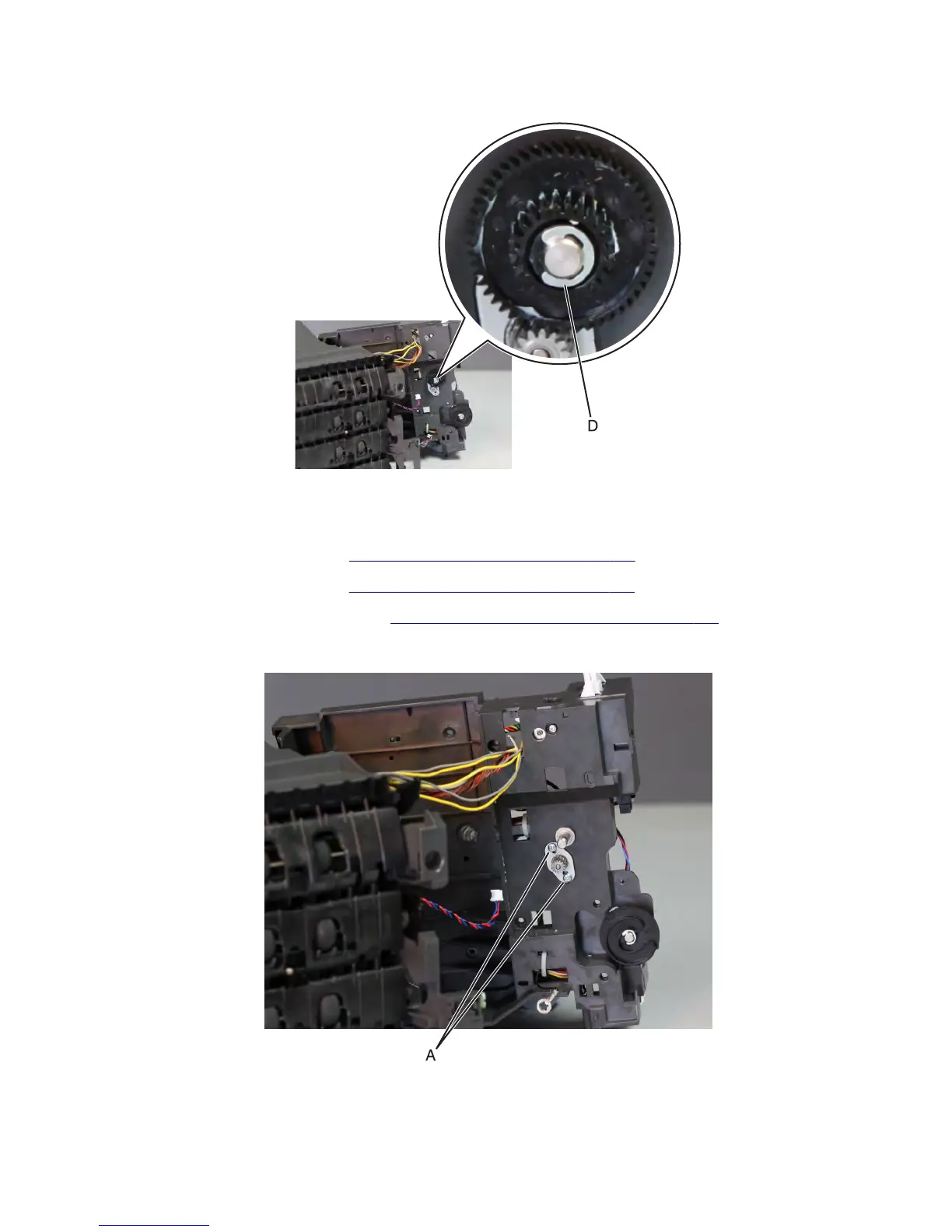
6 Remove the E-clip (D) to release the gear, and then pull the gear off the shaft.
Mailbox main motor removal
1 Remove the mailbox left cover. See “Mailbox left cover removal” on page 798.
2 Remove the mailbox rear door. See “Mailbox rear door removal” on page 791.
3 Remove the mailbox main drive gear. See “Mailbox main drive gear removal” on page 800.
4 Remove the two screws (A), and then pull the main motor off the left side, and remove it.
7463
Repair information
804



 To Next Page