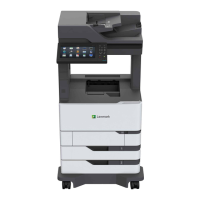
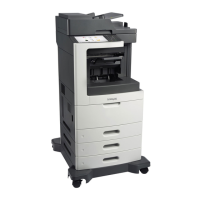
Configured model
Hardware option Alternative hardware option
1 4‑bin mailbox
• Oset stacker
• Staple finisher
• Staple, hole punch finisher
2 2100‑sheet tray 550‑sheet trays
3 Caster base Caster base
4 550‑sheet trays 2100‑sheet tray
5 Staple finisher
• 4‑bin mailbox
• Staple, hole punch finisher
• Oset stacker
When using optional trays:
• Always use a caster base when the printer is
configured
with a 2100‑sheet tray.
• The 2100‑sheet tray must always be at the bottom of a
configuration.
• If the 2100‑sheet tray is installed, then you cannot use an optional 550‑sheet tray.
• A maximum of two optional trays may be configured with the printer.
• The printer supports only one finisher at a time.
Learning about the printer 14


 To Next Page