3
Step 1: Install paper options
and printer
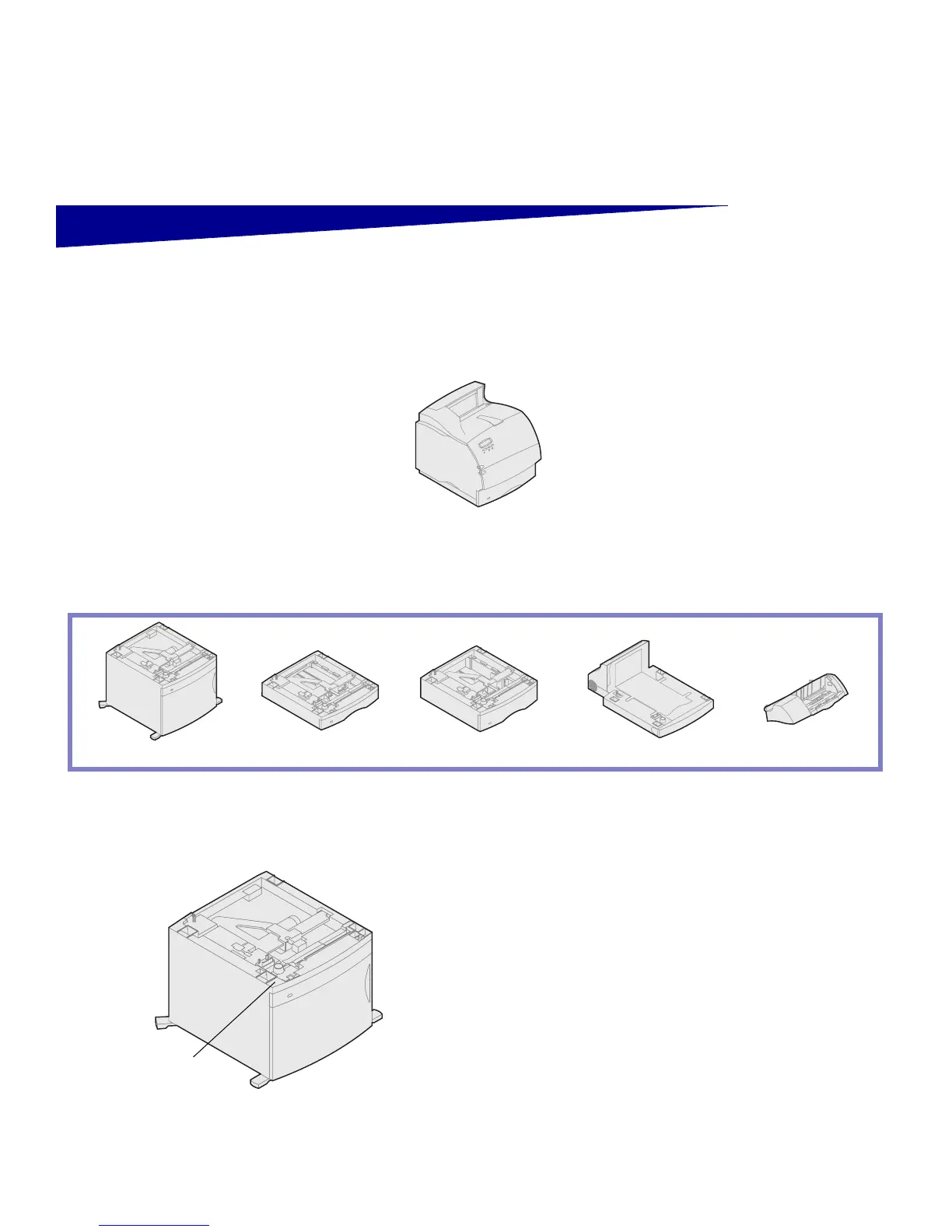
The table illustrates various combinations of paper
options supported by your printer.
Installing the 2000-sheet drawer Your printer supports one 2000-sheet drawer. It
gives your printer added capacity by letting you
load up to four reams (approximately 2,000
sheets) of 20 lb. paper.
The 2000-sheet drawer is packaged with a User’s
Guide that contains detailed instructions for instal-
lation, setup, and use, including loading paper and
removing paper jams.
When you have finished installing the 2000-sheet
drawer, install any other drawers or an optional
duplex unit that you may have purchased.
Attach up to:
Four optional drawers.
2000-Sheet drawer
250-Sheet drawer
500-Sheet drawer
500-Sheet Duplex unit
Envelope feeder
Lexmark T522(n)
Lexmark T522 label
(colored triangle)



 To Next Page