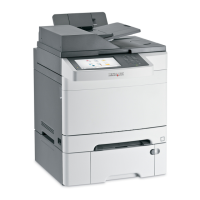
Control panel item Description
15
Black Start Start copying or scanning in black and white.
16
Color Start Start copying or scanning in color.
17
Select Accept menu selections and settings.
18
Navigation buttons
• Press or to scroll through menu lists.
• When Ready appears on the display, press or to enter the menus.
19
Back Return to the previous menu.
15



 To Next Page