AUDIO
233
(h) If the satellite radio tuner malfunctions
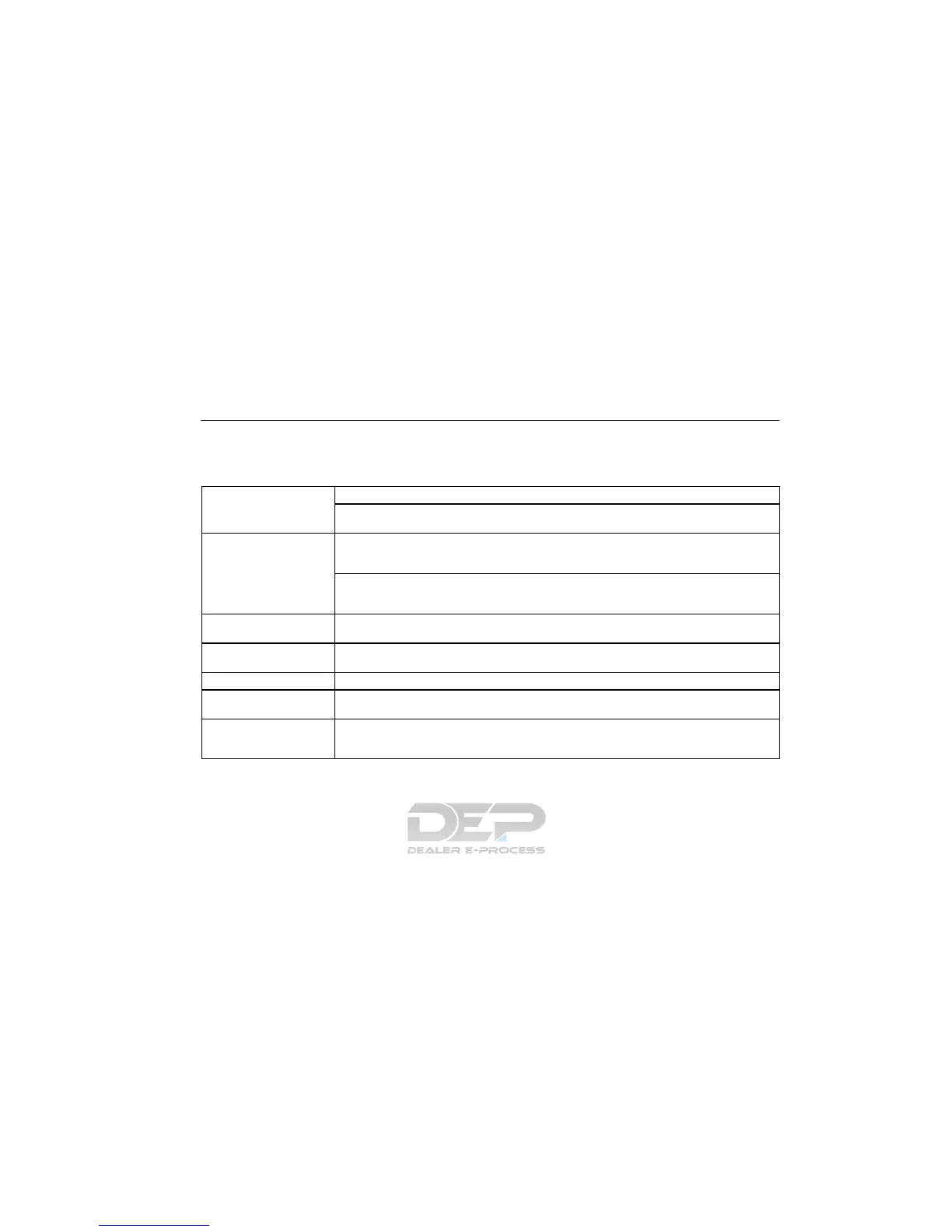
When problems occur with the XM tuner, a message will appear on the display. Referring to the table below to identify the problem,
take the suggested corrective action.
ANTENNA
The XM antenna is not connected. Check whether the XM antenna cable is attached securely.
A short−circuit occurs in the antenna or the surrounding antenna cable. See a Lexus certified
dealer.
UPDATING
You have not subscribed to the XM satellite radio. The radio is being updated with the latest
encryption code. Contact the XM satellite radio for subscription information. When a contact is
canceled, you can choose the “CH000” and all free−to−air channels.
The premium channel you selected is not authorized. Wait for about 2 seconds until the radio
returns to the previous channel or “CH001”. If it does not change automatically, select another
channel. If you want to listen to the premium channel, contact the XM satellite radio.
NO SIGNAL
The XM signal is too weak at the current location. Wait until your vehicle reaches a location
with a stronger signal.
LOADING
The unit is acquiring audio or program information. Wait until the unit has received the informa-
tion.
OFF AIR The channel you selected is not broadcasting any programming. Select another channel.
−−−−−
There is no song/program title or artist name/feature associated with the channel at that time.
No action needed.
−−−
The channel you selected is no longer available. Wait for about 2 seconds until the radio re-
turns to the previous channel or “CH001”. If it does not change automatically, select another
channel.
The XM Listener Care Center is also available on the phone, please call (800) 852−9696 during the following hours:
Monday – Saturday: 7 a.m. – 1 a.m. Sunday: 12 p.m – 12 a.m.



 To Next Page
 Loading...







