47
Hands-free System For Cellular Phone
(without navigation system)
■ Bluetooth
®
phone pairing
Compatible Bluetooth
®
-equipped phones can be connected to the vehicle, enabling
hands-free operation. Please refer to the cellular phone manufacturer's user guide for pair-
ing procedures, or go to“www.lexus.com/bluetooth” for more phone information.
To use a Bluetooth
®
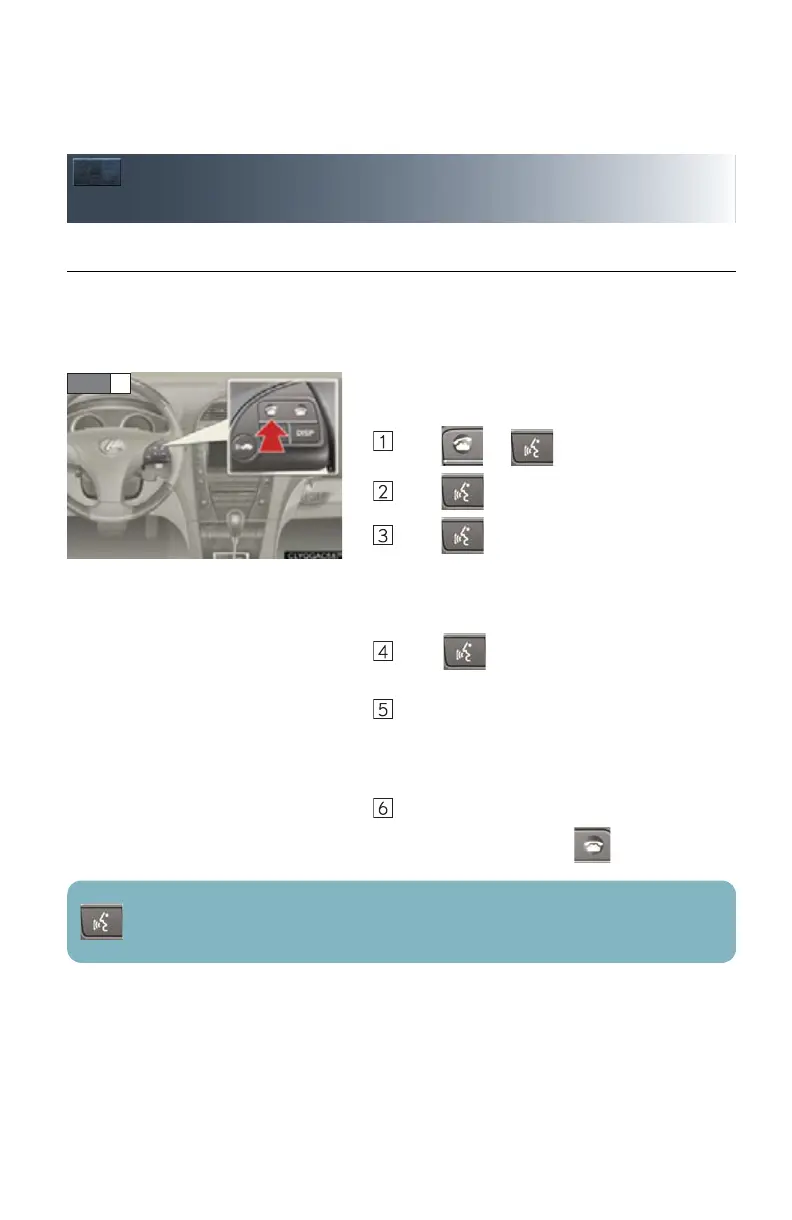
phone, it is necessary to first
register it in the system.
Press or .
Press and say “Pair Phone”.
Press and say a name*.
*: This name will be used to identify your
phone in the case that more than one
phone has been registered to the system.
Press and say “Confirm” to display the
passkey.
Enter the passkey shown on the display into
the phone.
Refer to the cellular phone user's manual for
cellular phone operation.
Once the voice guidance for registration com-
pletion is finished, press .
: Pressing this switch turns the voice command system on. Say a command after the
beep.



 To Next Page