50
■ Phonebook transfer
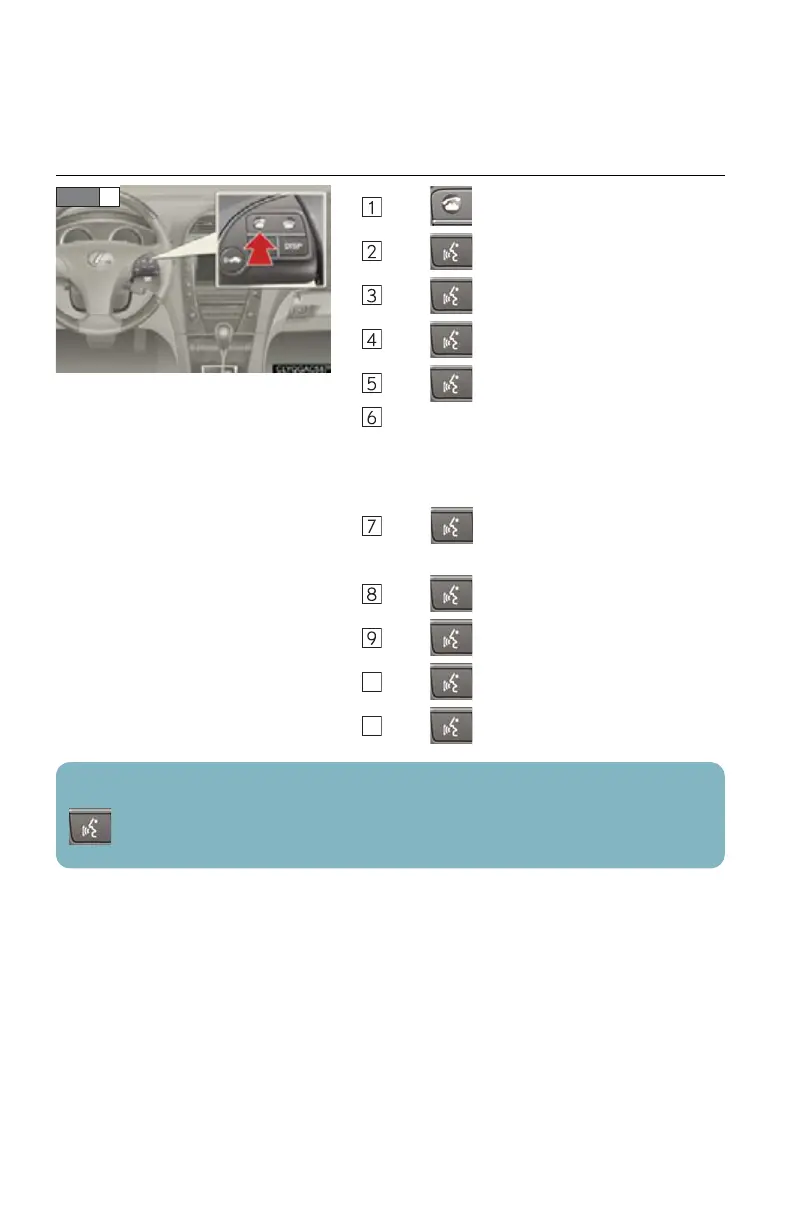
Press .
Press and say “Phonebook”.
Press and say “Add Entry”.
Press and say “By Phone”.
Press and say “Confirm”.
Transfer the phonebook data to the system
using the cellular phone.
Refer to the cellular phone user’s manual for
cellular phone operation.
Press and say “Previous” or “Next” until
the desired data is displayed.
Press and say “Confirm”.
Press and say the desired name.
Press and say “Confirm”.
Press and say “Confirm” again.
STEP 1
Phonebook transfer may not be possible depending on phone model.
: Pressing this switch turns the voice command system on. Say a command after the
beep.



 To Next Page