51
■ Changing the registered name
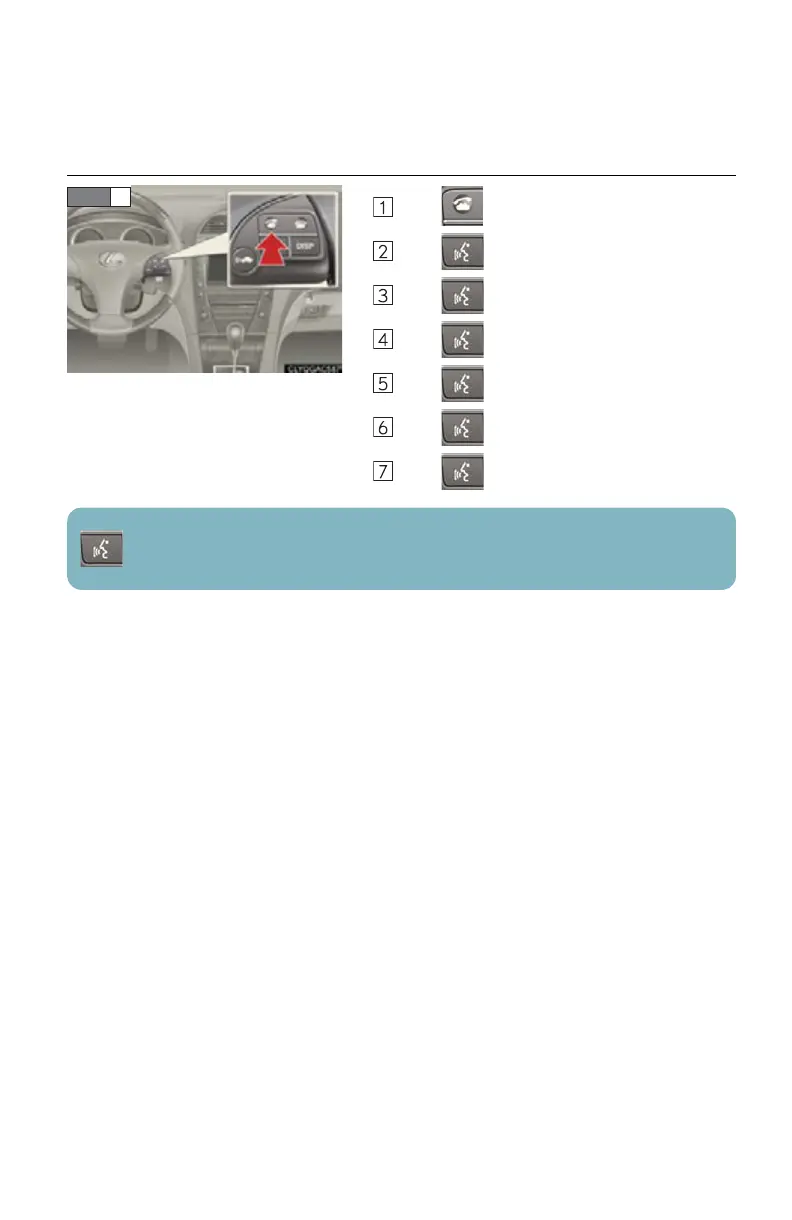
Press .
Press and say “Phonebook”.
Press and say “Change Name”.
Press and say the desired name.
Press and say “Confirm”.
Press and say the new name.
Press and say “Confirm”.
: Pressing this switch turns the voice command system on. Say a command after the
beep.



 To Next Page