PW680-10100-NE-1 imp Sig 10 Front PW680-10100-NE-1 imp Sig 10 Front PW680-10100-NE-1 imp Sig 10 Front PW680-10100-NE-1 imp Sig 10 Front
Settings
To modify the parameters of your device, log in to the main settings page by visiting
http://settings.incarhotspot.net.
Note:
Before changing the settings, it is recommended to disconnect the Lexus Link 4G Box from the
network by pressing the “Connection status” toggle button.
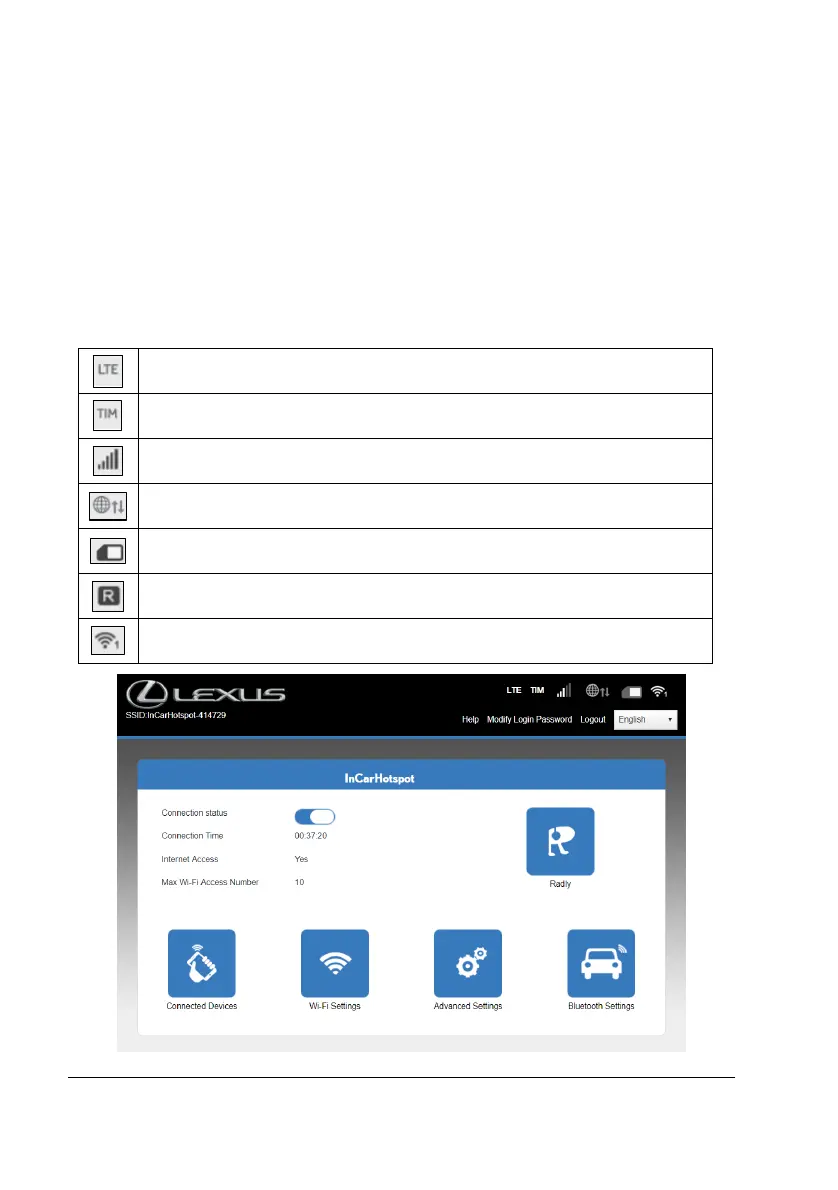
The main settings page offers at a glance several information about the status of your Lexus Link
4G box. These data (see Figure 12) are displayed in the top bar as listed below:
Mobile Network Operator name
Roaming indication (displayed only in case of roaming)


 To Next Page
 Loading...