432
3-3. Using the audio system
LS460_EE
Fast forwarding/rewinding a disc
Touch and hold or on the control icon screen or press
and hold “” or “” on “SEEK•TRACK” until you hear a beep.
Slow playback
Touch and then touch on the control icon screen.
Video is played slowly while you are touching .
Using the DVD menu
Touch “Menu” or “Top menu” on the control icon screen.
Touch if the menu control key does not appear on the
menu screen.
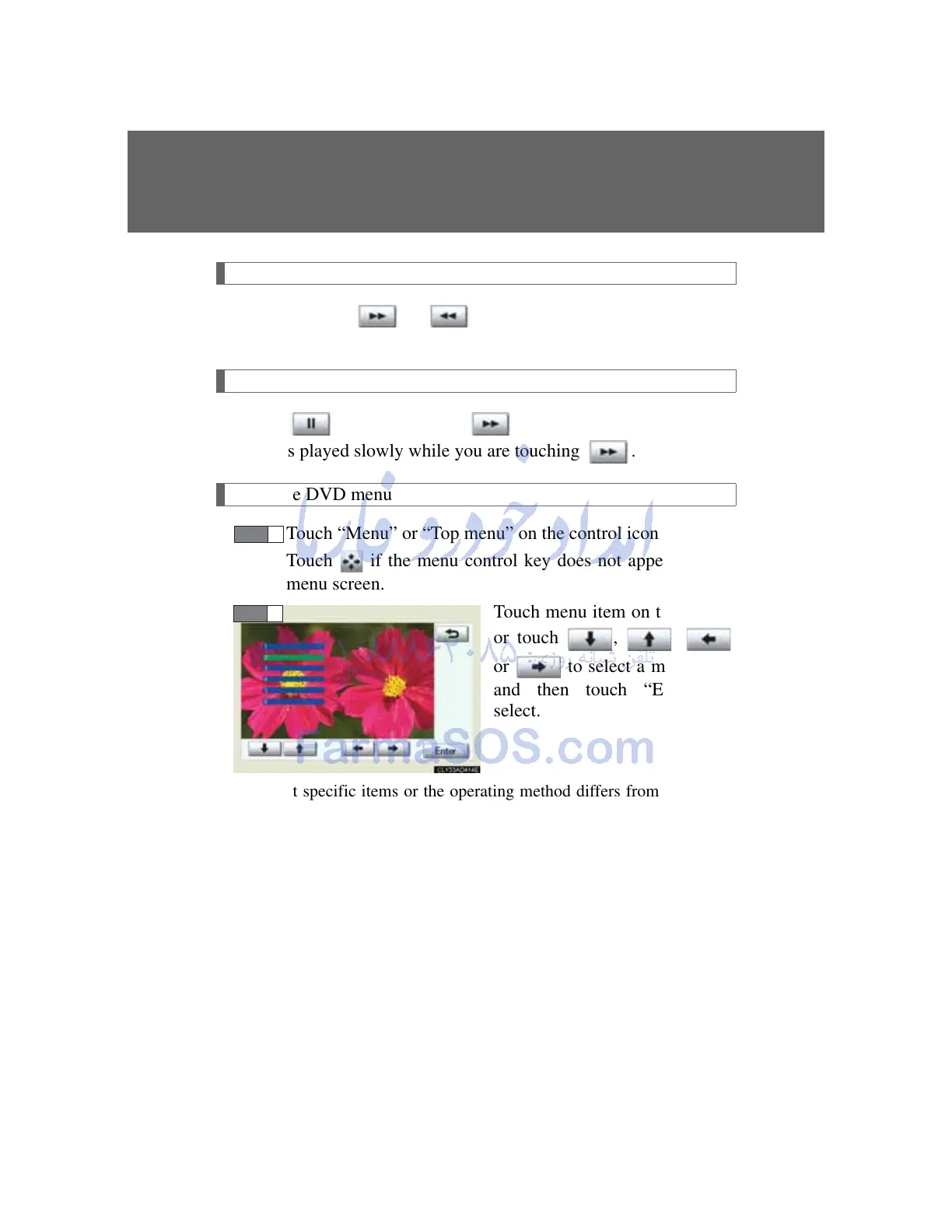
Touch menu item on the screen
or touch , ,
or to select a menu item
and then touch “Enter” to
select.
Note that specific items or the operating method differs from one DVD
to another. Refer to the manual that comes with the DVD disc. (The
above image is an example.)
STEP 1
STEP 2



 To Next Page