435
3-3. Using the audio system
3
Interior features
LS460_EE
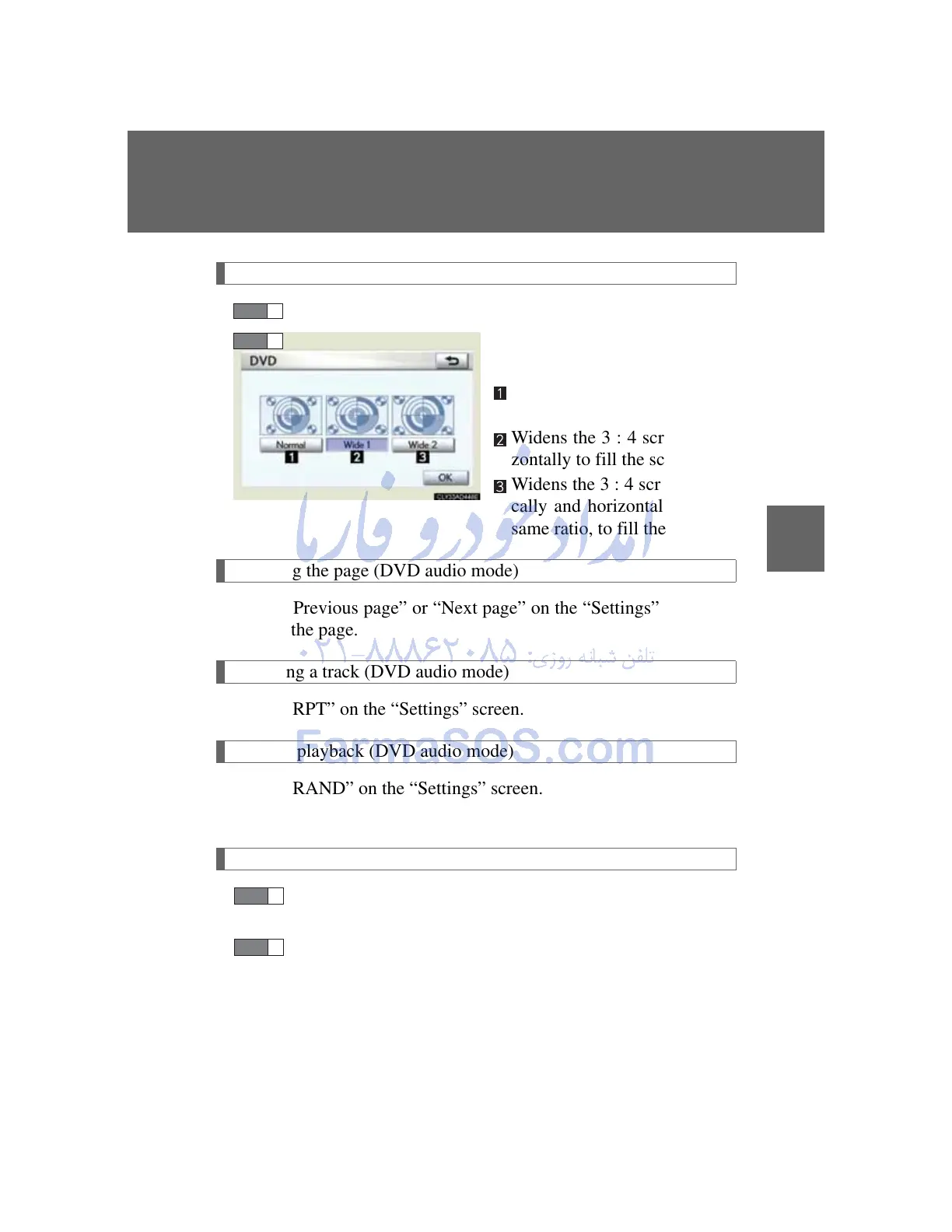
Changing screen size
Touch “Wide” on the “Settings” screen.
Touch the desired switch and
then touch “OK”.
Displays a 3 : 4 screen, with
either side in black
Widens the 3 : 4 screen hori-
zontally to fill the screen
Widens the 3 : 4 screen verti-
cally and horizontally, in the
same ratio, to fill the screen
Changing the page (DVD audio mode)
Touch “Previous page” or “Next page” on the “Settings” screen to
change the page.
Repeating a track (DVD audio mode)
Touch “RPT” on the “Settings” screen.
Random playback (DVD audio mode)
Touch “RAND” on the “Settings” screen.
Tracks are played in random order.
Scanning tracks (DVD audio mode)
Touch “SCAN” on the “Settings” screen.
The first 10 seconds of each track will be played.
Touch “SCAN” once again when the desired track is
reached.
STEP 1
STEP 2



 To Next Page