434
3-3. Using the audio system
LS460_EE
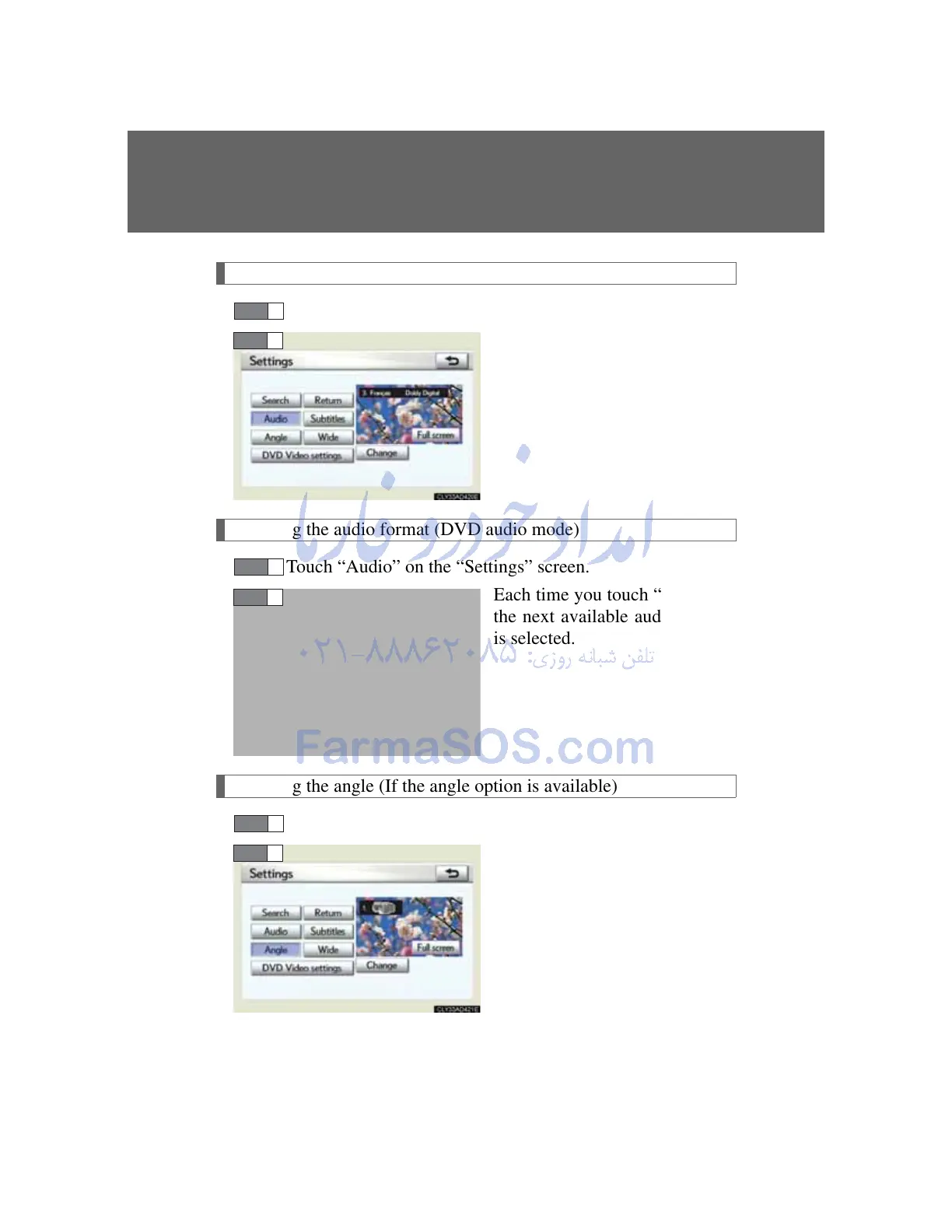
Changing the audio language (DVD video mode)
Touch “Audio” on the “Settings” screen.
Each time you touch “Change”,
the next available language is
selected.
Changing the audio format (DVD audio mode)
Touch “Audio” on the “Settings” screen.
Each time you touch “Change”,
the next available audio format
is selected.
Changing the angle (If the angle option is available)
Touch “Angle” on the “Settings” screen.
Each time you touch “Change”,
the next available angle is
selected.
STEP 1
STEP 2
STEP 1
STEP 2
STEP 1
STEP 2



 To Next Page