461
3-3. Using the audio system
3
Interior features
LS460_EE
Setting up the Bluetooth
®
audio system
Press “SETUP”.
Touch “Audio” on the “Setup”
screen.
Select portable player
Setting up Bluetooth
®
audio
Select portable player
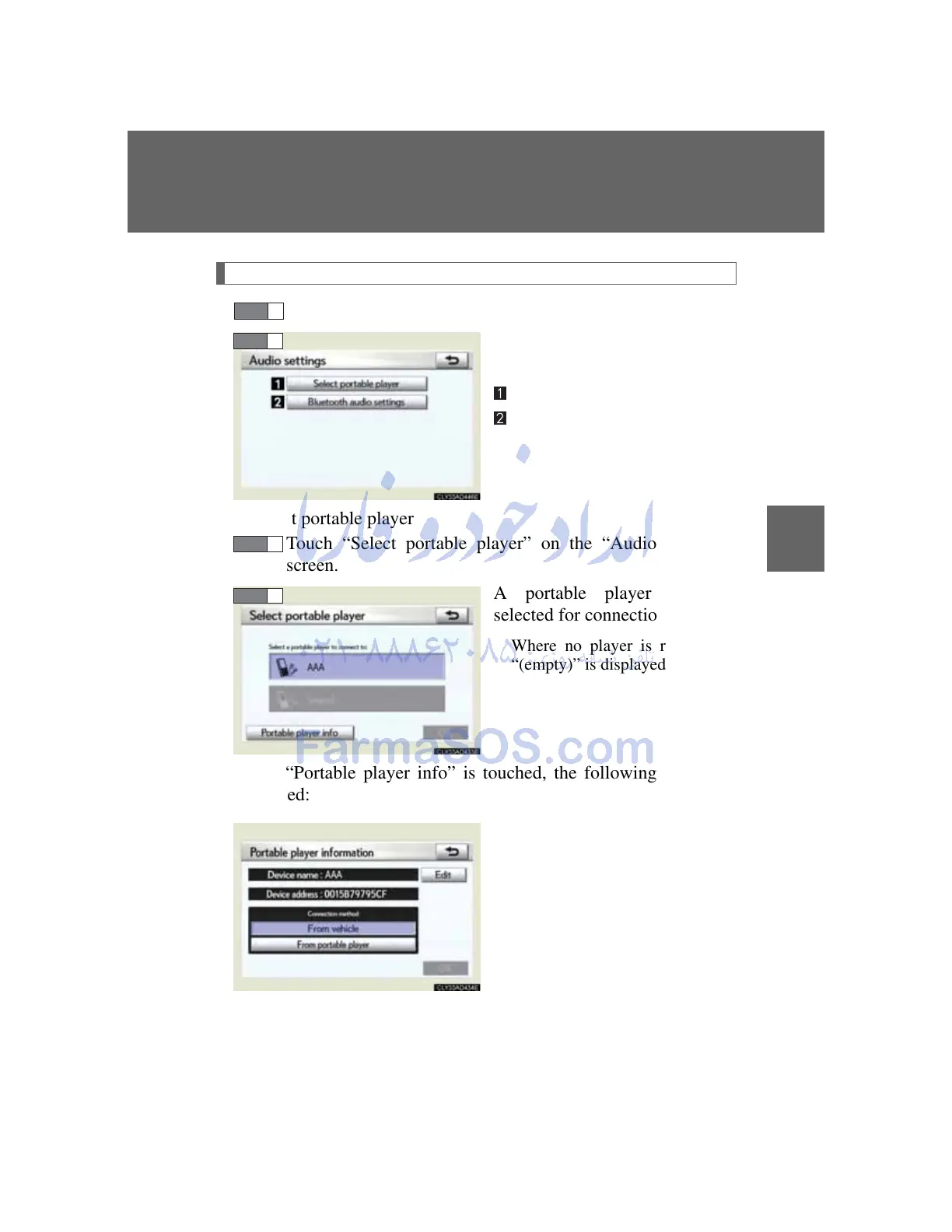
Touch “Select portable player” on the “Audio settings”
screen.
A portable player can be
selected for connection.
Where no player is registered,
“(empty)” is displayed.
When “Portable player info” is touched, the following screen is
displayed:
“Device name” and “Connec-
tion method” can be changed.
STEP 1



 To Next Page