462
3-3. Using the audio system
LS460_EE
Changing the device name
Touch “Edit” on the “Portable player information” screen.
Enter the desired name.
Changing the connection method
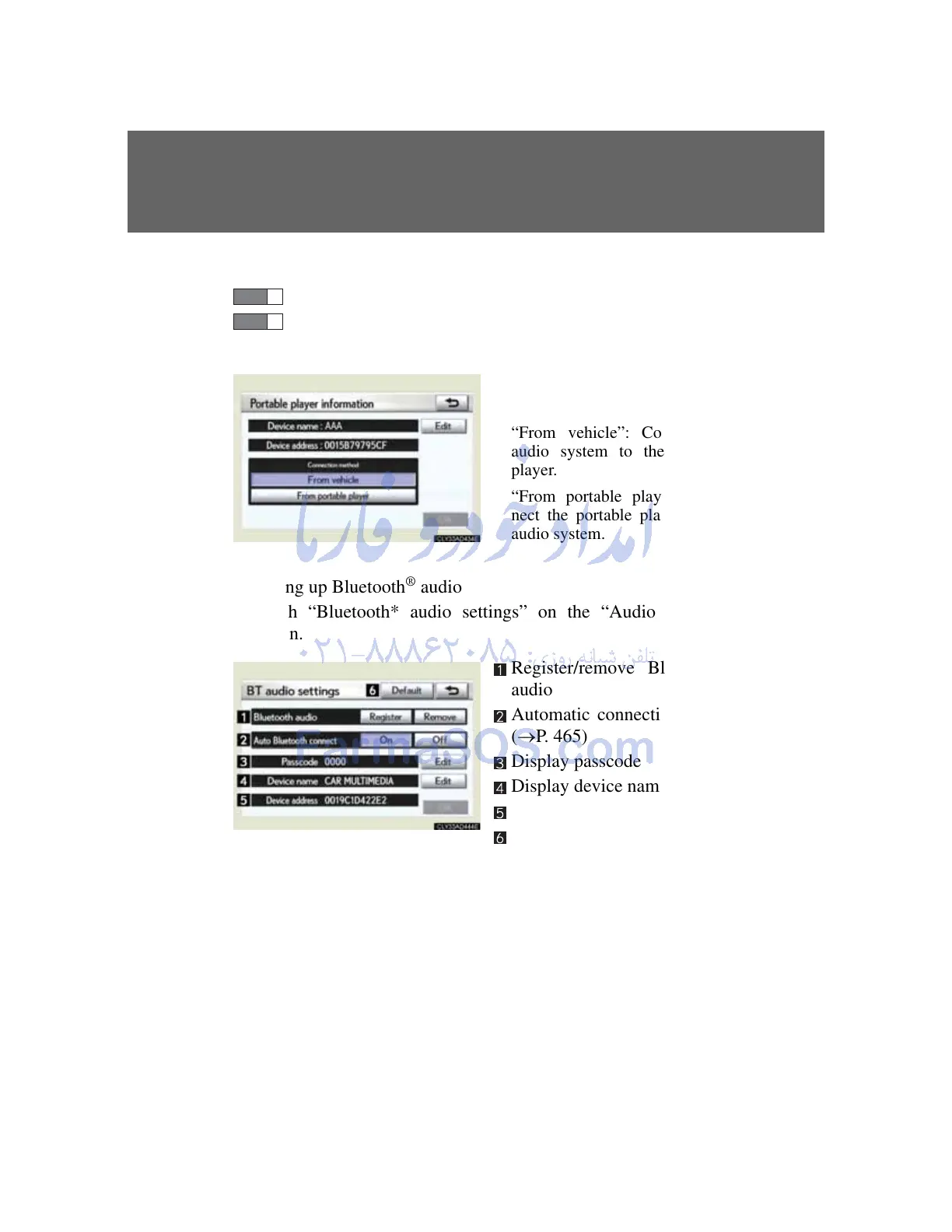
Touch “From vehicle” or
“From portable player”.
“From vehicle”: Connect the
audio system to the portable
player.
“From portable player”: Con-
nect the portable player to the
audio system.
Setting up Bluetooth
®
audio
Touch “Bluetooth* audio settings” on the “Audio settings”
screen.
Register/remove Bluetooth
®
audio
Automatic connection on/off
(P. 465)
Display passcode
Display device name
Display device address
Restore default settings
*: Bluetooth is a registered trademark of Bluetooth SIG. Inc.



 To Next Page