465
3-3. Using the audio system
3
Interior features
LS460_EE
Connecting Bluetooth
®
audio player
To use the Bluetooth
®
audio system, you need to enter your porta-
ble player into the system. Once registered, you can enjoy your
music on the vehicle’s audio system. (P. 462)
For the operation procedure for the portable player, consult your
player’s accompanying instruction manual.
When the connection method is set to “From vehicle”
When auto connection is “On”
When the portable player is on standby for the connection, it
will be automatically connected whenever the “ENGINE
START STOP” switch is in either ACCESSORY or IGNITION
ON mode.
When auto connection is “Off”
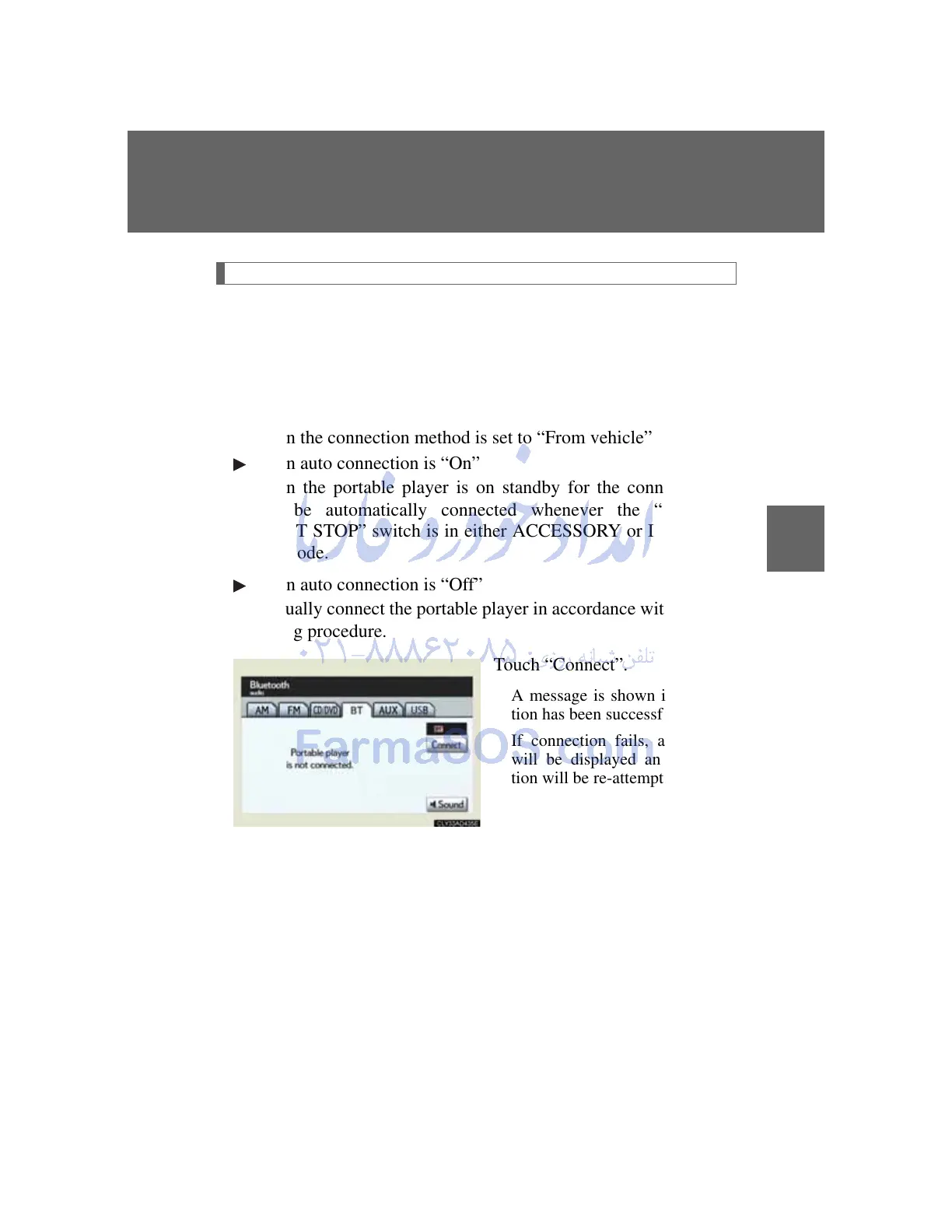
Manually connect the portable player in accordance with the fol-
lowing procedure.
Touch “Connect”.
A message is shown if connec-
tion has been successful.
If connection fails, a message
will be displayed and connec-
tion will be re-attempted.



 To Next Page