463
3-3. Using the audio system
3
Interior features
LS460_EE
Registering Bluetooth
®
audio
Touch “Register” on the “BT audio settings” screen.
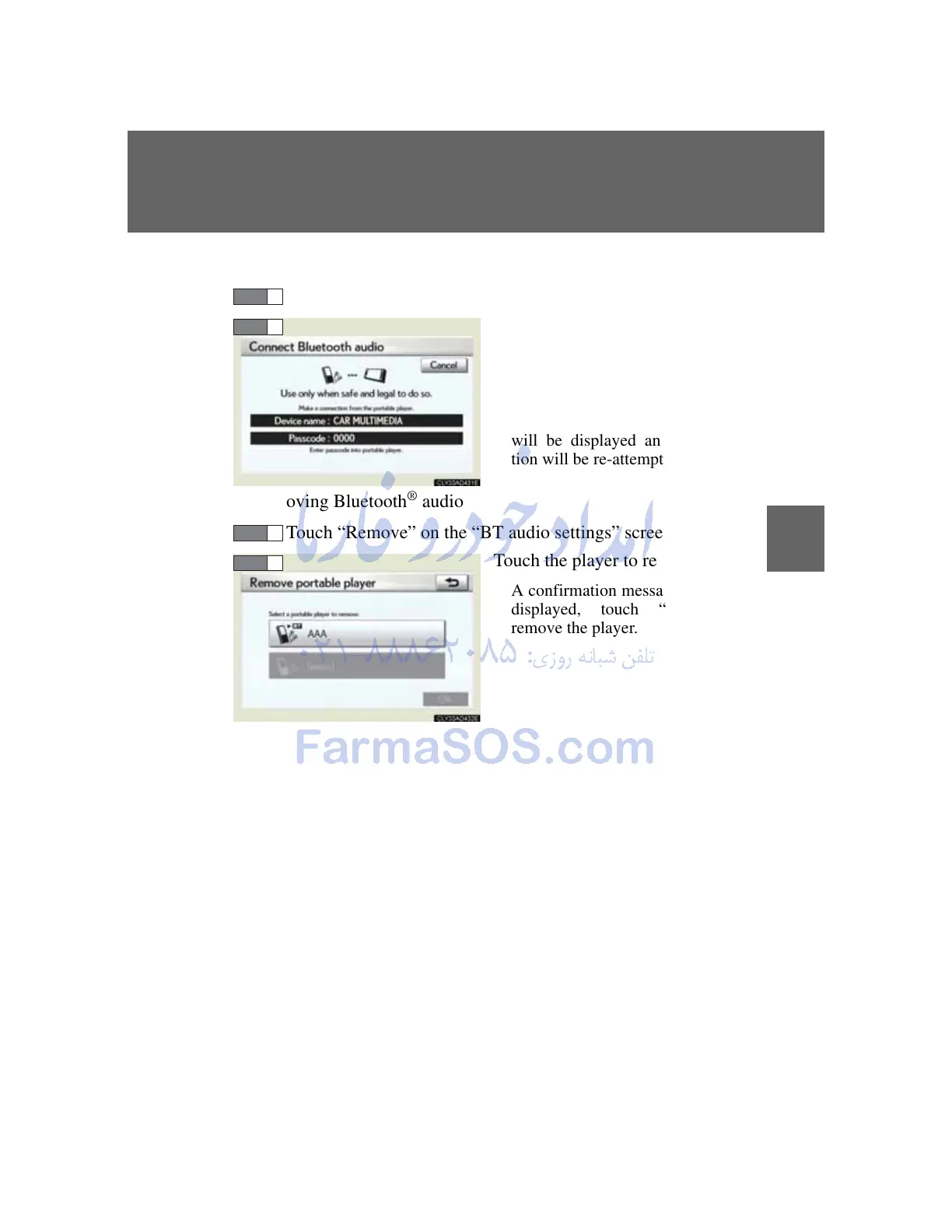
Enter the passcode into the por-
table player.
A message is shown if connec-
tion has been successful.
If connection fails, a message
will be displayed and connec-
tion will be re-attempted.
Removing Bluetooth
®
audio
Touch “Remove” on the “BT audio settings” screen.
Touch the player to remove.
A confirmation message will be
displayed, touch “Yes” to
remove the player.



 To Next Page