505
3-4. Using the rear seat entertainment system
3
Interior features
LS460_EE
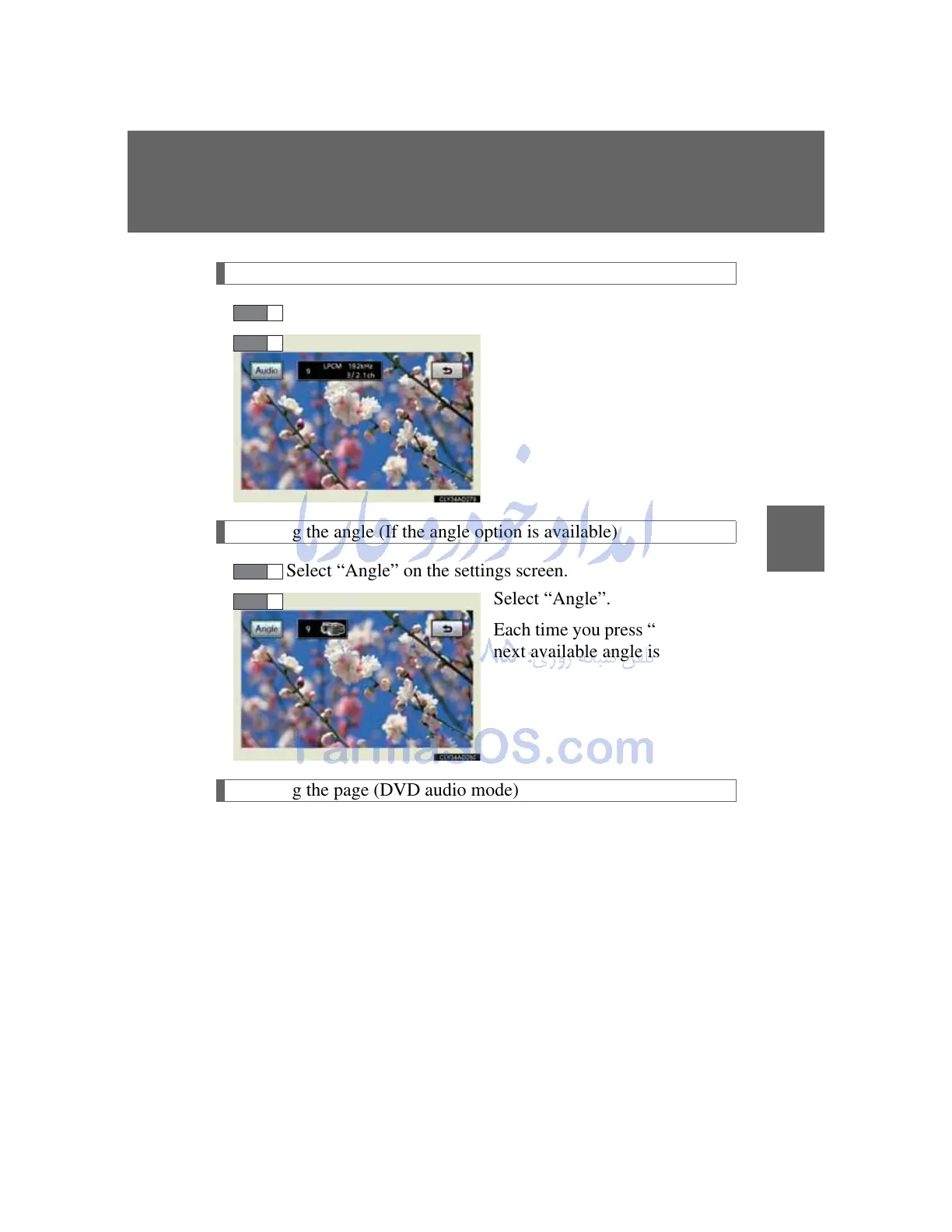
Changing the audio format (DVD audio mode)
Select “Audio” on the control icon screen.
Select “Audio”.
Each time you press “ENT”, the
next available audio format is
selected.
Changing the angle (If the angle option is available)
Select “Angle” on the settings screen.
Select “Angle”.
Each time you press “ENT”, the
next available angle is selected.
Changing the page (DVD audio mode)
Select “Prev. Page” or “Next Page” on the settings screen to
change the page.



 To Next Page