541
3-5. Using the hands-free system (for cellular phone)
3
Interior features
LS460_EE
Setting the volume
Display the “Telephone settings” screen. (P. 540)
Touch “Volume” on the “Telephone settings” screen.
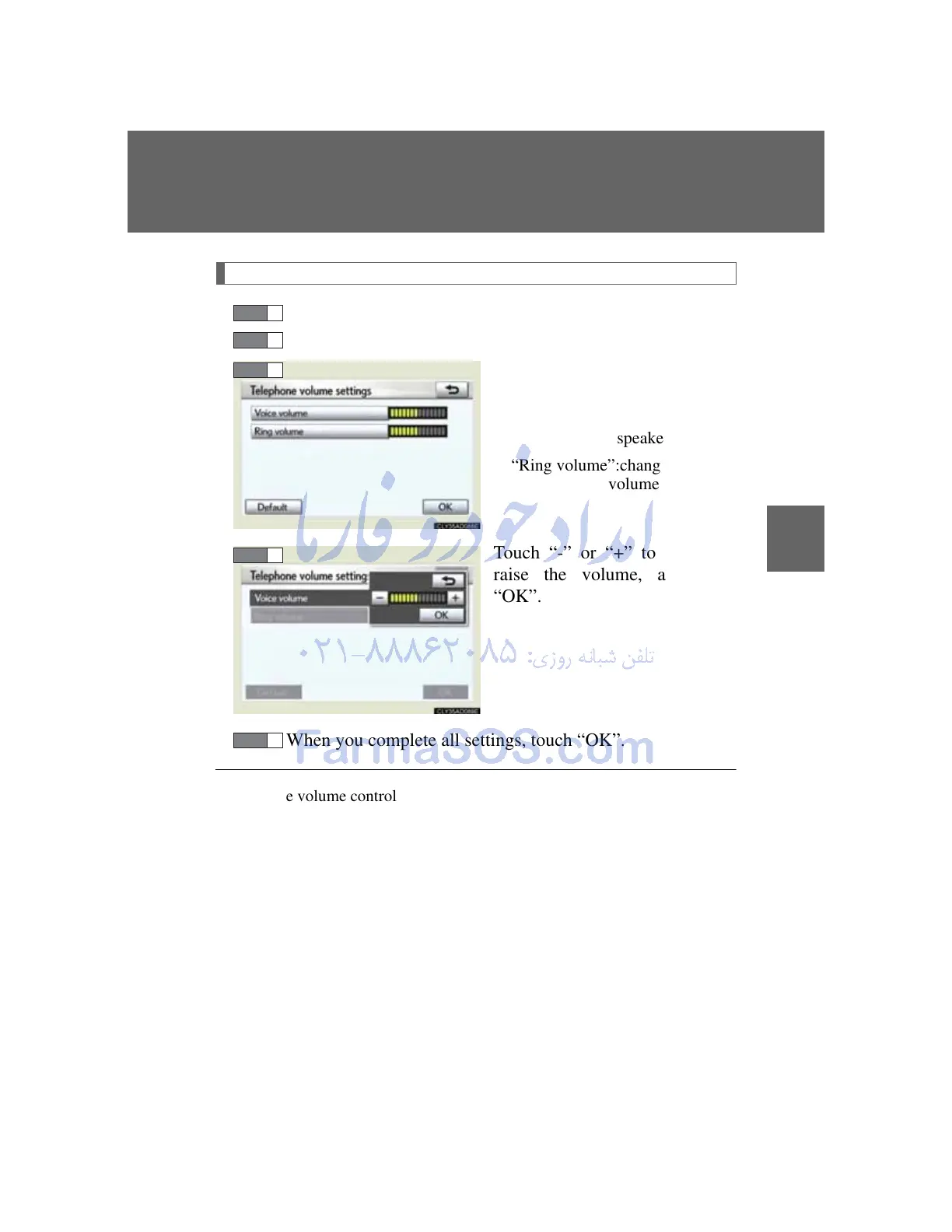
Choose the volume setting
switch.
“Voice volume”:changes the
speaker volume
“Ring volume”:changes the ring
volume
Touch “-” or “+” to lower or
raise the volume, and then
“OK”.
When you complete all settings, touch “OK”.
Adaptive volume control
When traveling at 80 km/h (50 mph) or more, the system automatically
raises the volume one level.
If the vehicle speed drops to 70 km/h (43 mph), the volume will return to its
original level.
To return to the default volume settings
Touch “Default”, and then “Yes”.



 To Next Page