542
3-5. Using the hands-free system (for cellular phone)
LS460_EE
Managing the phone
Registering a Bluetooth
®
phone
Display the “Telephone settings” screen. (P. 540)
Touch “Manage telephone” on the “Telephone settings”
screen.
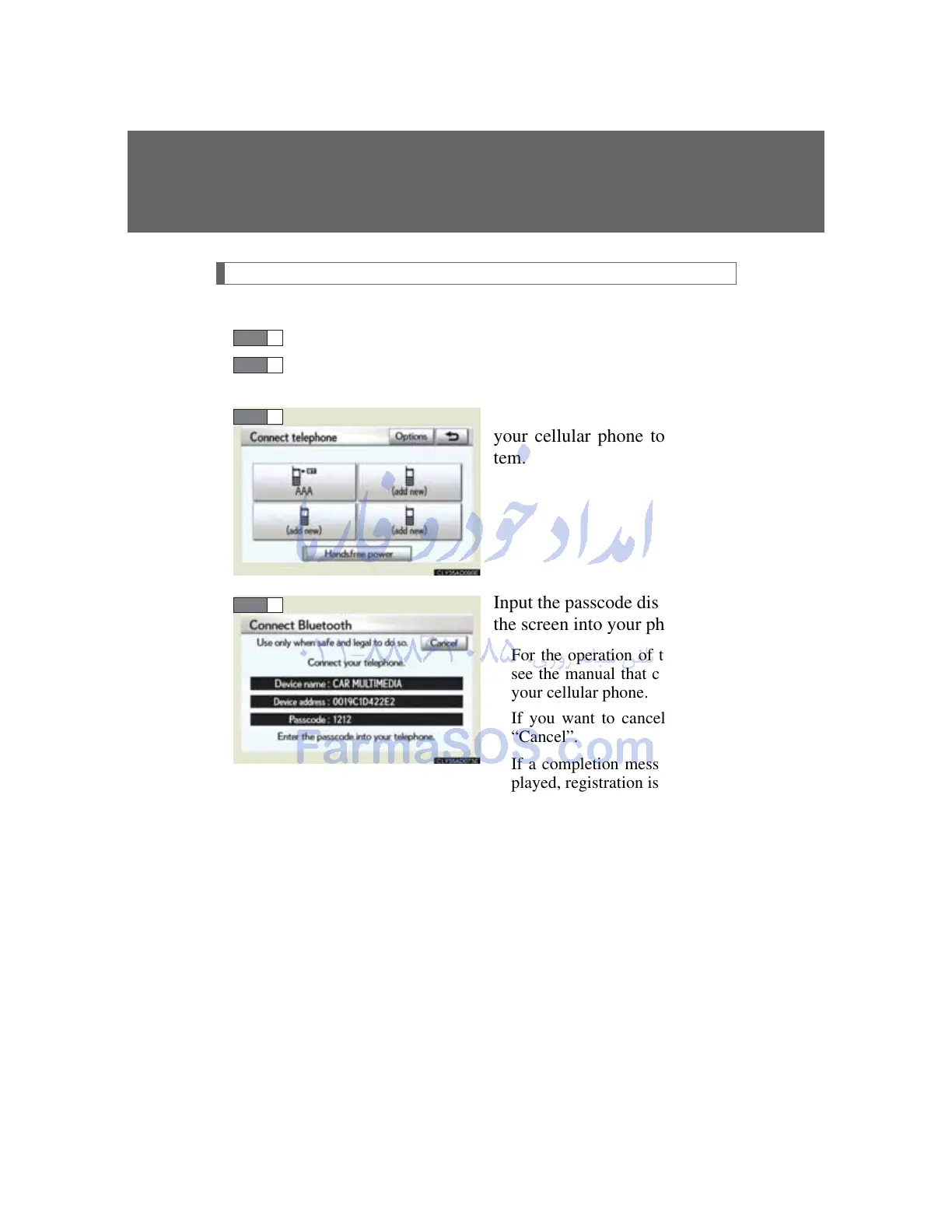
Touch “(add new)” to register
your cellular phone to the sys-
tem.
Input the passcode displayed on
the screen into your phone.
For the operation of the phone,
see the manual that comes with
your cellular phone.
If you want to cancel it, select
“Cancel”.
If a completion message is dis-
played, registration is complete.
If an error message is displayed,
follow the guidance on the
screen to try again.



 To Next Page