543
3-5. Using the hands-free system (for cellular phone)
3
Interior features
LS460_EE
Selecting a Bluetooth
®
phone
If multiple Bluetooth
®
phones are registered, follow the proce-
dure below to select the Bluetooth
®
phone to be used. You may
only use one phone at a time.
Display the “Telephone settings” screen. (P. 540)
Touch “Manage telephone” on the “Telephone settings”
screen.
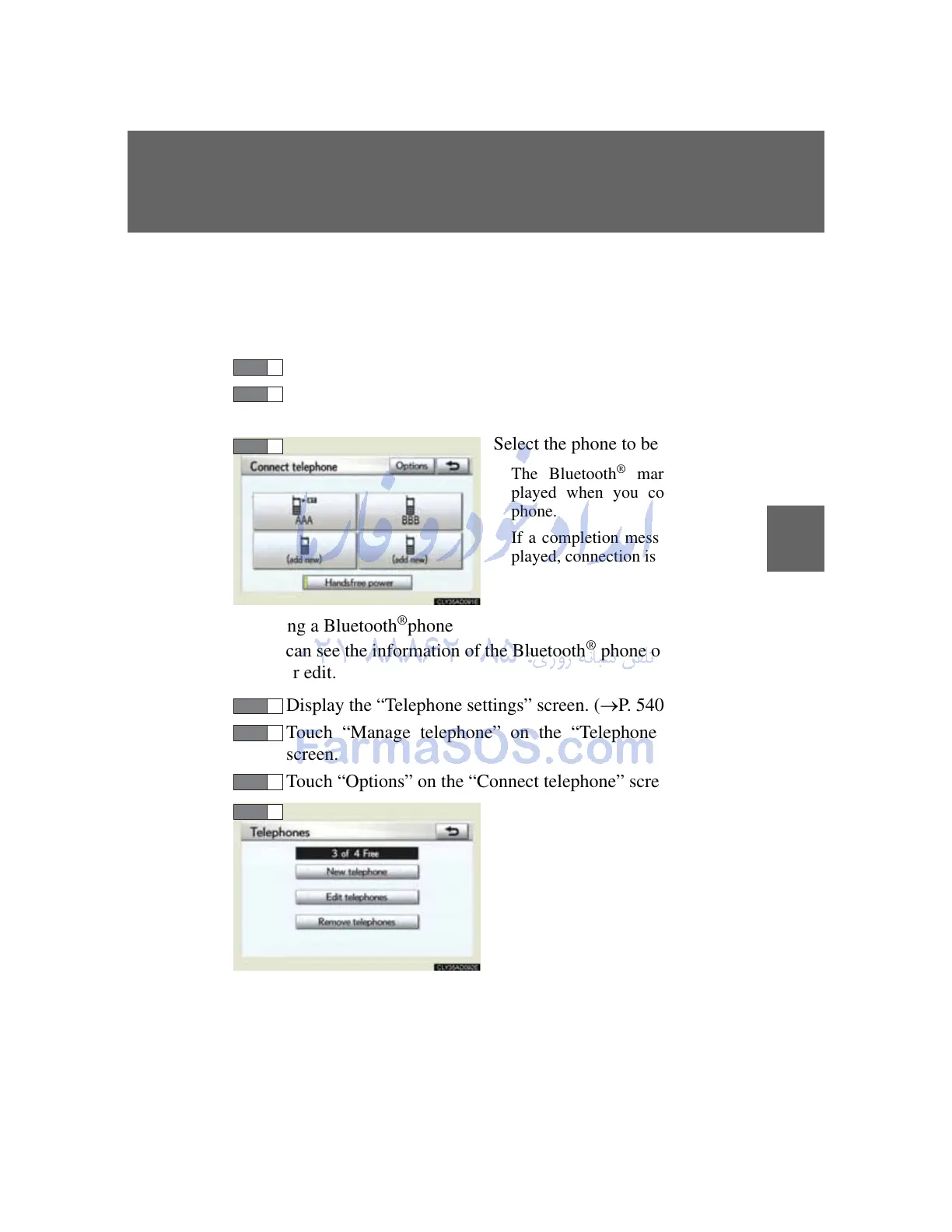
Select the phone to be used.
The Bluetooth
®
mark is dis-
played when you connect the
phone.
If a completion message is dis-
played, connection is complete.
Editing a Bluetooth
®
phone
You can see the information of the Bluetooth
®
phone on the sys-
tem or edit.
Display the “Telephone settings” screen. (P. 540)
Touch “Manage telephone” on the “Telephone settings”
screen.
Touch “Options” on the “Connect telephone” screen.
Touch “Edit telephones”.



 To Next Page