364
5-1. Remote Touch screen
LS600hL_U(OM50D26U)
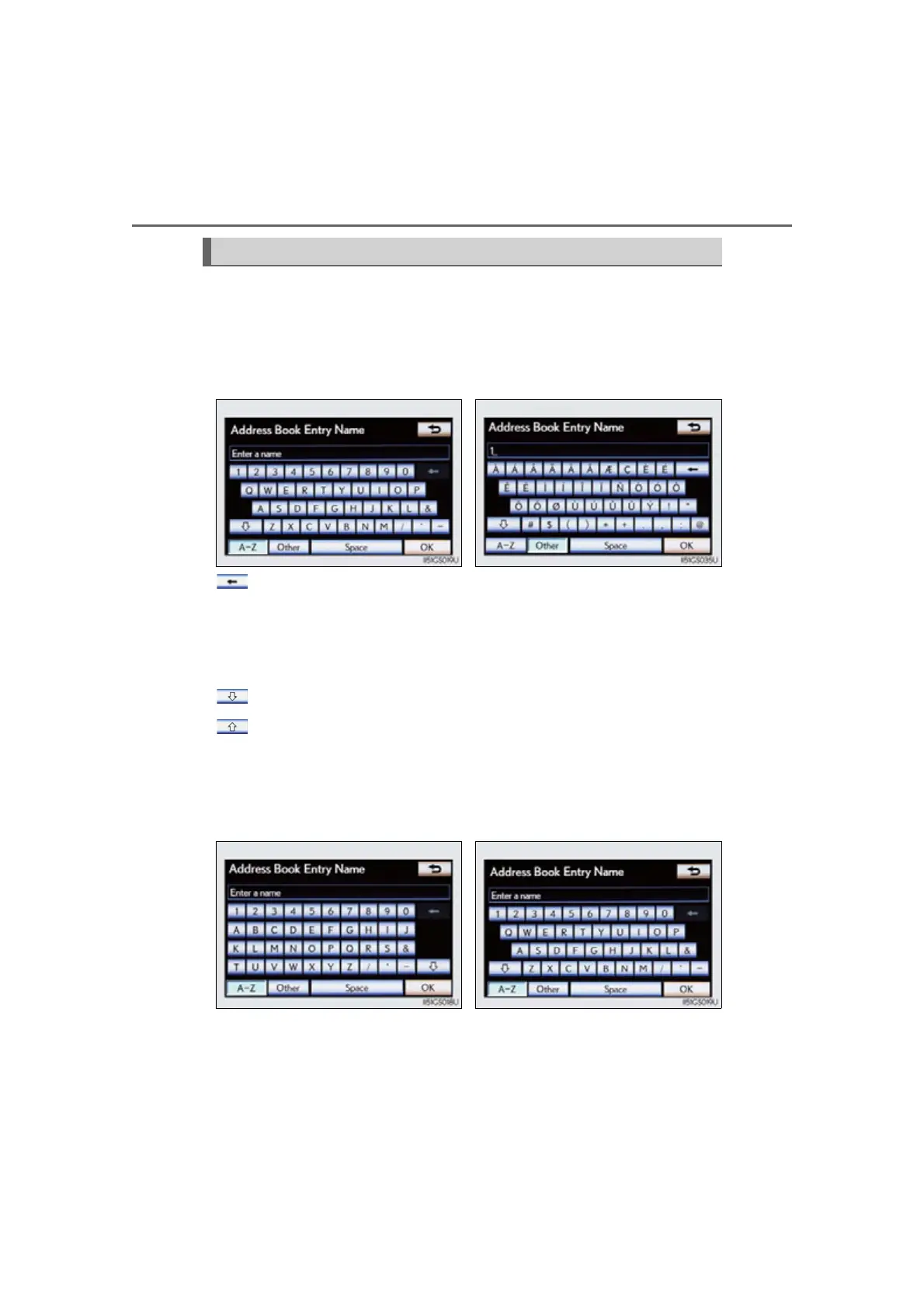
Letters and numbers can be input via the screen.
■ To input letters and numbers/symbols
Select the keys directly to enter letters, numbers or symbols.
: Select to erase one character. Select and hold to continue erasing
characters.
“A-Z”: To change letters and numbers
“Other”: To display symbols
: To enter in lower case
: To enter in upper case
■ Layout type
Keyboard layout can be changed. (P. 371)
Inputting letters and numbers/list screen operation
Letters and numbers Symbols
“A B C ” t y p e “QWERTY” type



 To Next Page
 Loading...











