366
5-1. Remote Touch screen
LS600hL_U(OM50D26U)
*: Bluetooth is a registered trademark of Bluetooth SIG, Inc.
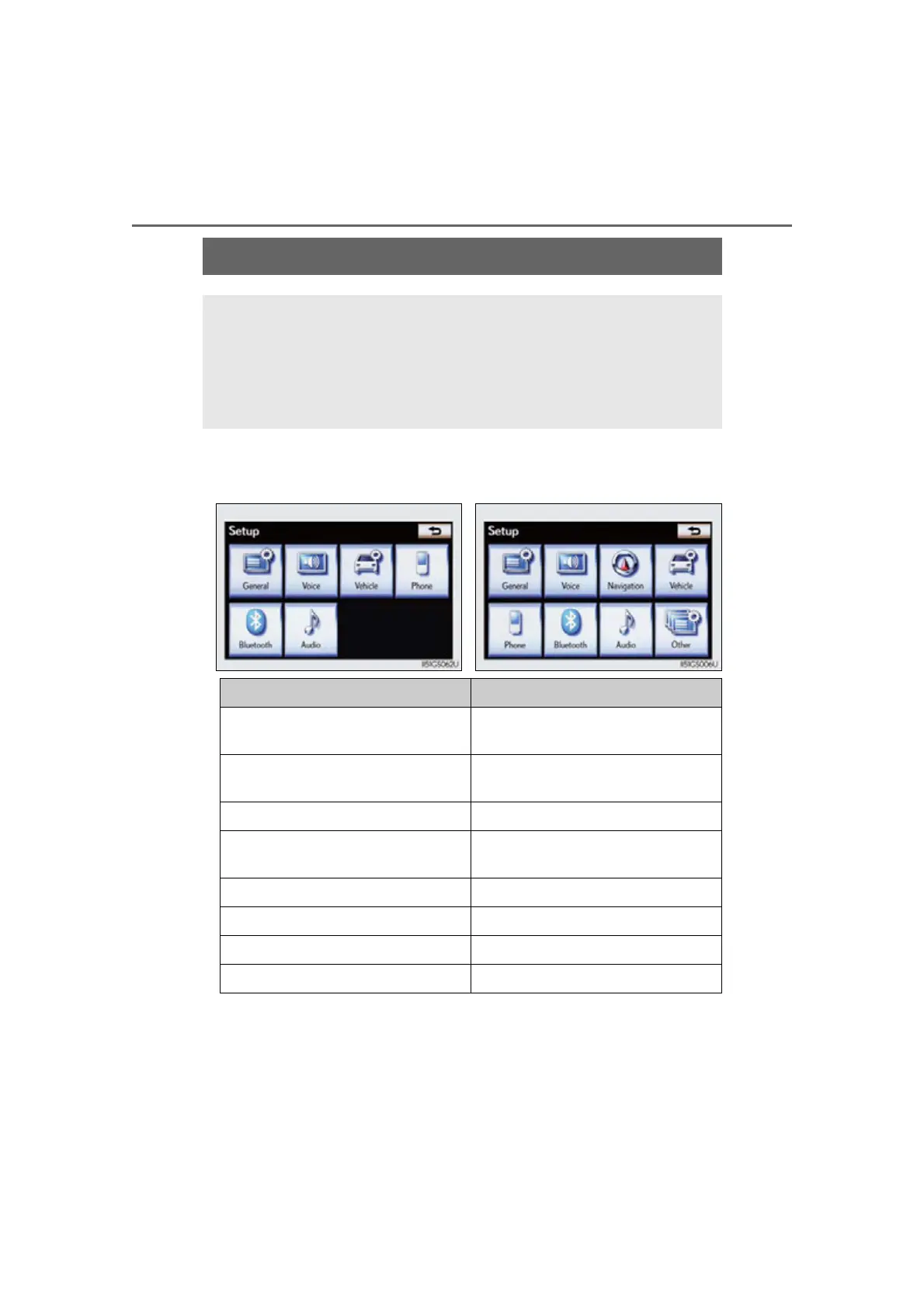
Set up screen
You can change the Remote Touch screen to your desired settings.
Press the “MENU” button on the Remote Touch, and then select
“Setup” on the “Menu” screen.
Owners of models equipped with a navigation system should refer to
the “Navigation System Owner’s Manual”.
Vehicles without navigation
system
Vehicles with a navigation
system
Switch Page
“General”
P. 367/
Navigation System Owner’s Manual
“Voice”
P. 379/
Navigation System Owner’s Manual
“Navigation” Navigation System Owner’s Manual
“Vehicle”
P. 380/
Navigation System Owner’s Manual
“Phone” P. 380
“Bluetooth*” P. 381
“A u d i o” P. 381
“Other” Navigation System Owner’s Manual



 To Next Page