INTERIOR EQUIPMENT
60
2001 MY RX300_U (OM48431U)
GARAGE DOOR OPENER
The garage door opener (HomeLink Universal
Transceiver) is manufactured under license from
HomeLink and can be programmed to operate garage
doors, gates, entry doors, door locks, home lighting
systems, and security systems, etc.
(a) Programming the HomeLink
14R098
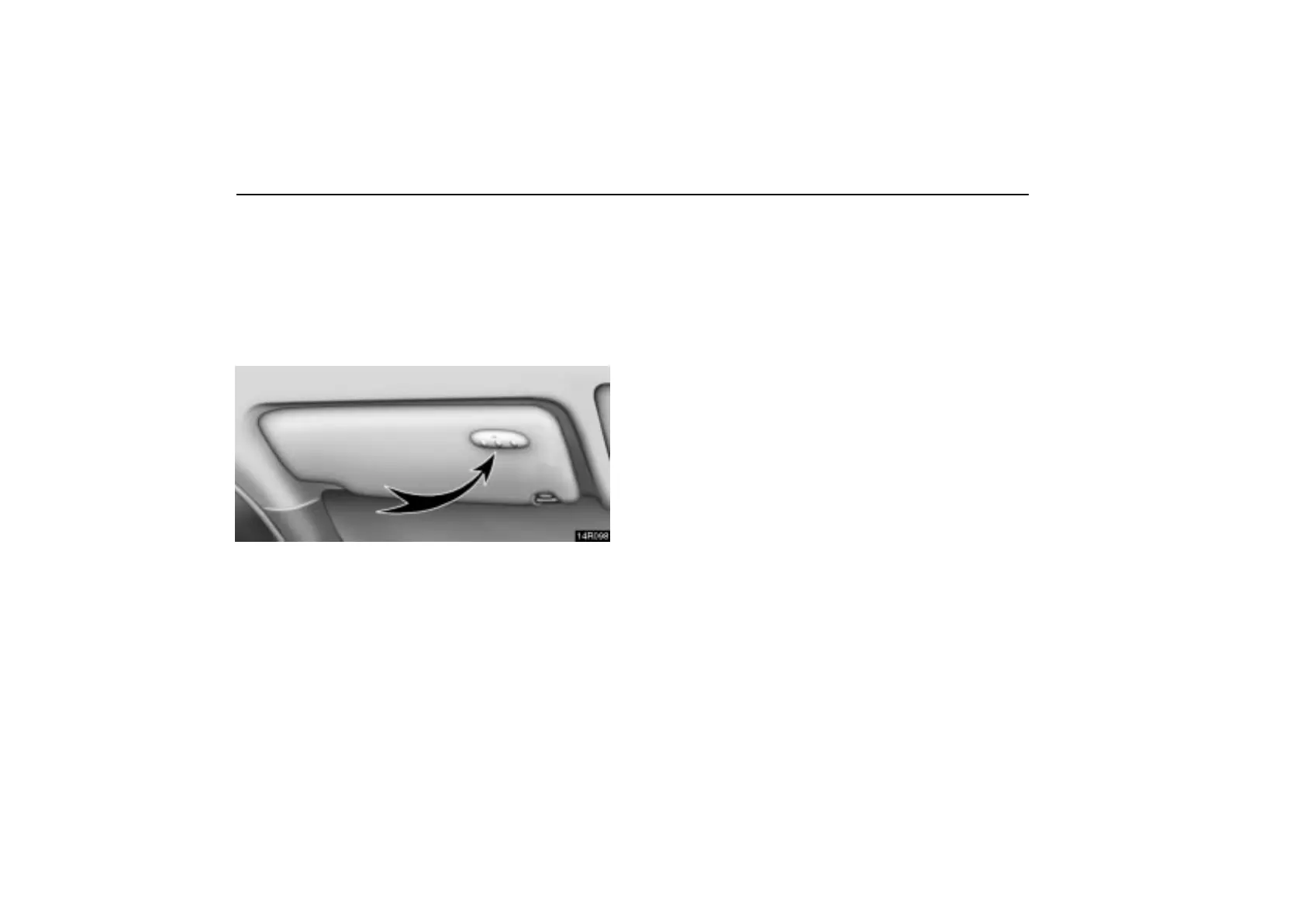
The HomeLink
in your vehicle has 3 buttons and you
can store one program for each button.
To ensure correct programming into the HomeLink
, install
a new battery in the hand–held transmitter prior to
programming.
The battery side of the hand–held transmitter must be pointed
away from the HomeLink
during the programming
process.
For Canadian users, follow the procedure in “Programming an
entrance gate/Programming all devices in the Canadian
market”.
1. Decide which of 3 HomeLink
buttons you want to
program.
2. Place your hand–held garage transmitter 25 to 75 mm (1 to
3 in.) away from the surface of the HomeLink
.
Keep the indicator light on the HomeLink
in view while
programming.
3. Simultaneously press and hold the hand–held garage
transmitter button along with the selected HomeLink
button.
4. When the indicator light on the HomeLink
changes from
a slow to a rapid flash after 20 seconds, you can release both
buttons.
5. Test the operation of the HomeLink
by pressing the
newly programmed button. If programming a garage door
opener, check to see if the garage door opens and closes.
If the garage door does not operate, identify if your garage
transmitter is of the “Rolling Code” type. Press and hold the
programmed HomeLink
button. The garage door has the
rolling code feature if the indicator light (on the HomeLink
)
flashes rapidly and then remains lit after 2 seconds. If your
garage transmitter is the “Rolling Code” type, proceed to the
heading “Programming a rolling code system”.
6. Repeat steps 2 through 5 for each remaining HomeLink
button to program another device.



 To Next Page