EasyManua.ls Logo

LF Kobalt K7343 - User Manual

LF Kobalt K7343
100 pages
Print Icon
To Next Page IconTo Next Page
Loading...
1
kobalttools.com
ATTACH YOUR RECEIPT HERE
Serial Number _______________ Purchase Date _______________
Questions, problems, missing parts? Before returning to your retailer, call our customer
service department at 1-888-3KOBALT (1-888-356-2258), 8 a.m. - 8 p.m., EST, Monday - Friday.
JW1892
Français p. 34
Español p. 68
KOBALT
®
and the K Design
®
are registered
trademarks of LF, LLC. All Rights Reserved.
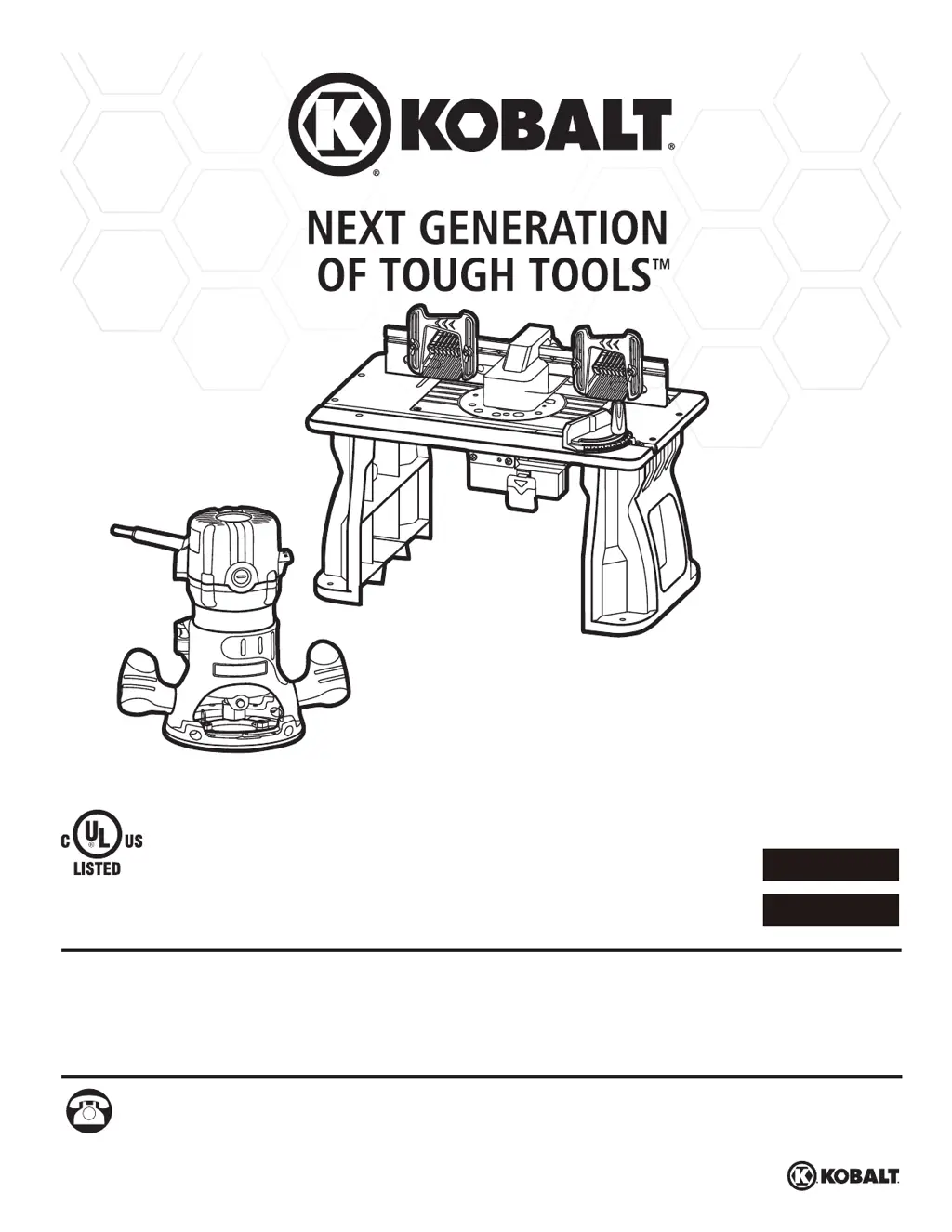
ITEM #0616299
11 AMP
ROUTER WITH
ROUTER TABLE
MODEL #K7343

Table of Contents

Questions and Answers

  • B
    Bonnie BassAug 11, 2025
    What to do if my LF Kobalt K7343 router does not work?
    • L
      Luis PonceAug 11, 2025
      If your LF Tools router isn't working, there are several potential causes: * Ensure the router is plugged into the router table outlet. * Verify the router table's power cord is connected to a power source. * Check that the switch on the router table is in the “ON” position. To do this, insert the key and pull the switch to the “ON” position. * Inspect the carbon brushes for wear and replace them if necessary. Remove the carbon brush caps and replace the old brushes with the new ones. * Confirm the legs are correctly assembled and all fasteners are tightened securely.
  • Q
    qandersonAug 20, 2025
    Why my LF Tools router is not working?
    • D
      David SmithAug 21, 2025
      Your LF Tools router might not be working due to several reasons. It could be that the router isn't plugged into the router table outlet, or the power cord for the router table isn't connected to a power source. Another reason might be that the switch on the router table is in the “OFF” position. Also, the carbon brushes may have worn out, or the legs might not be properly assembled. Check these potential issues to restore functionality.
  • J
    Janice KingAug 31, 2025
    What to do if the router cannot be attached to the LF Tools table?
    • P
      Pamela MatthewsAug 31, 2025
      If the router cannot be attached to the LF Tools table, the cause might be that the sub-base is still on the router base. Remove the plastic sub-base from the router base to attach the router.

LF Kobalt K7343 Specifications

General IconGeneral
Number of Pieces1
BrandKobalt
ModelK7343
CategoryTools
Voltage120V
Product TypeBlower
Power SourceElectric