EasyManua.ls Logo

LFF LWC100 - User Manual

LFF LWC100
15 pages
Print Icon
To Next Page IconTo Next Page
Loading...
-USER MANUAL-
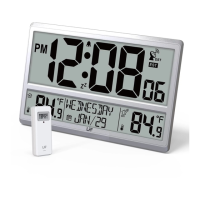
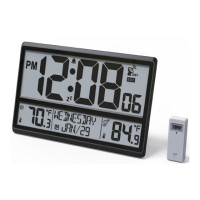
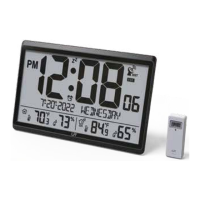
DIGITAL ATOMIC WALL CLOCK
WITH JUMBO DISPLAY
Ref.: LWC100
Question and Answer IconNeed help?

Do you have a question about the LFF LWC100 and is the answer not in the manual?

Summary

1 Wall Clock Unit

2 Main Features of the Wall Clock Unit

Details the key functionalities and display elements of the main wall clock unit.

3 Outdoor Temperature;Humidity Sensor

4 First Time to Use

Pairing the Outdoor Remote Sensor

Step-by-step guide on how to connect the outdoor sensor to the wall clock.

5 Atomic Clock Reception

Manual RCC Reception

Instructions for manually initiating the atomic clock signal reception.

6 Setting Menu

7 Set Alarm Time

Deactivate;Activate Alarm

Procedure to turn the alarm function on or off.

8 Snooze Function

How to use the snooze feature when the alarm sounds.
9 Low Battery Indication

10 Search for Outdoor Sensor

11 Switch Temperature Unit

12 Switch Reading Display for Outdoor Sensors

13 Reset

14 Use the Wall Mount

15 Specifications

16 Important Placement Guidelines

17 FCC Statement

LFF LWC100 Specifications

General IconGeneral
BrandLFF
ModelLWC100
CategoryClock
LanguageEnglish

Related product manuals