11
•
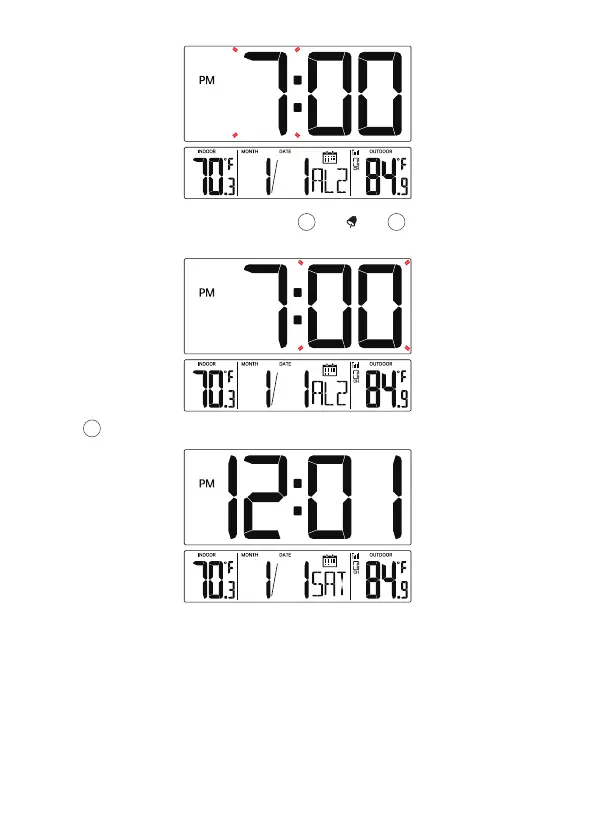
When Minute of Alarm2 flashes, press [▲/ ] or [▼/WAVE/°C/°F]
button to set required alarm2 minutes.
Press 【Alarm】to save all settings and exit the setting.
13
14 15
Note: If there is no valid operation within 20 seconds, it will automatically
return to the normal time display mode from the setting mode.



 To Next Page