12
• When the alarm is ringing, press any buttons except
[SET]
to stop the alarm
signal. It is not necessary to reactivate the alarm. It will ring again this time next
day.
• When the alarm rings, press
[SET]
button to pause the alarm. The snooze
indicator icon keeps flashing.
• The alarm will resume after 5 minutes.
• When battery indicator next to the outdoor temperature, replace batteries in
your outdoor sensor.
• When battery indicator shows next to your atomic tower icon, replace
batteries in your wall clock.
7.3 DEACTIVATE/ACTIVATE ALARM
7.4 SWITCHING OFF THE ALARM SIGNAL
7.5 SNOOZE FUNCTION
11
11
• In Alarm time mode, press
[▲/ ]
to select the Alarm1 and Alarm2 ON or
OFF.
• If the alarm is on, its corresponding alarm icon ( and ) will be shown on
the display.
• Alarm1 icon is shown on display, it means Alarm1 is turned on.
• Alarm2 icon is shown on display, it means Alarm2 is turned on.
• Alarm1 and Alarm2 icons are shown on display, it means Alarm1 and
Alarm2 are turned on.
14
8 LOW BATTERY INDICATION
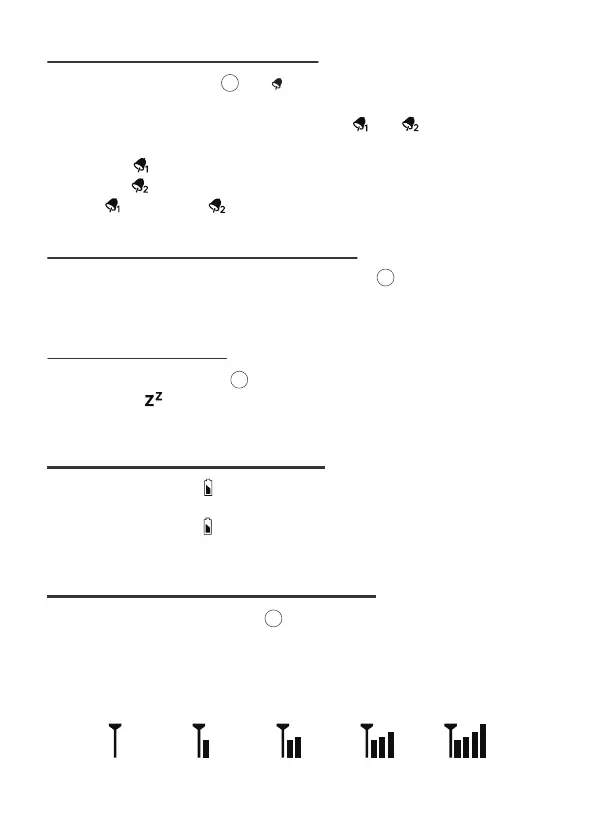
• In Normal display, press and hold [CHANNEL] for over 3 seconds to search
the outdoor temperature sensor.
• The wall clock can support up to 3 sensors with different channels 1/2/3.
• The signal strength icon will animate until the sensor(s) signal is received, or for
5 minutes if no signal is available.
16
9 SEARCH FOR OUTDOOR SENSOR



 To Next Page