7
5 ATOMIC CLOCK RECEPTION
9. Allow the outdoor sensor and wall clock to sit together for 15 minutes to
establish a strong connection.
10. Do not press button for 15 minutes.
11. After 15 minutes, place the sensor in a shaded outdoor location.
• The wall clock automatically begins search WWVB signal and update the time
every day at 1:00 am, 2:00 am, 3:00 am, 4:00 am, 5:00 am.
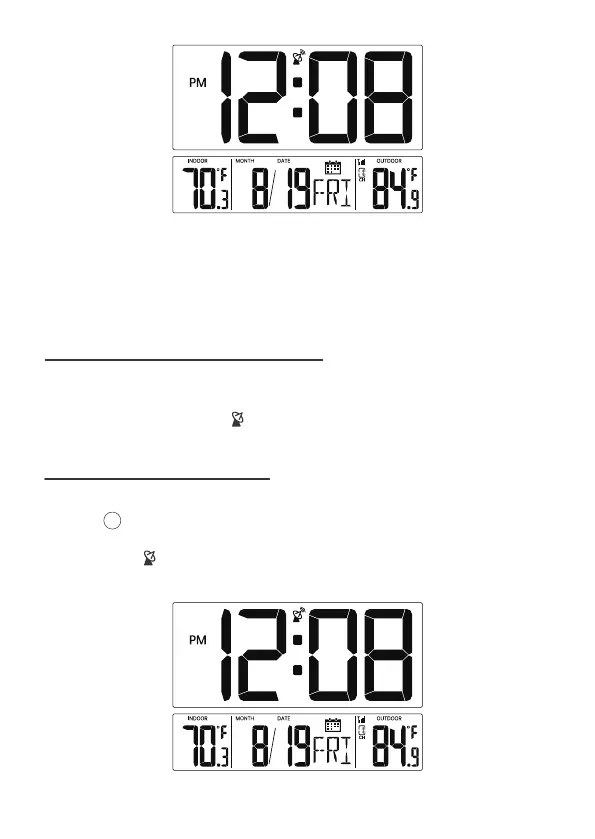
• The Atomic Time tower icon will flash while searching and will be solid
when it has connected.
You can receive the atomic clock signal manually. In Normal time display, press
and hold [▼/WAVE/°C/°F] over 3 seconds to receive the atomic clock signal
manually.
The tower icon is flashing and will start atomic clock reception.
When the atomic clock signal is received successfully, the time and date will be
updated.
5.1 MANUAL RCC RECEPTION
15
Normal Time Display



 To Next Page