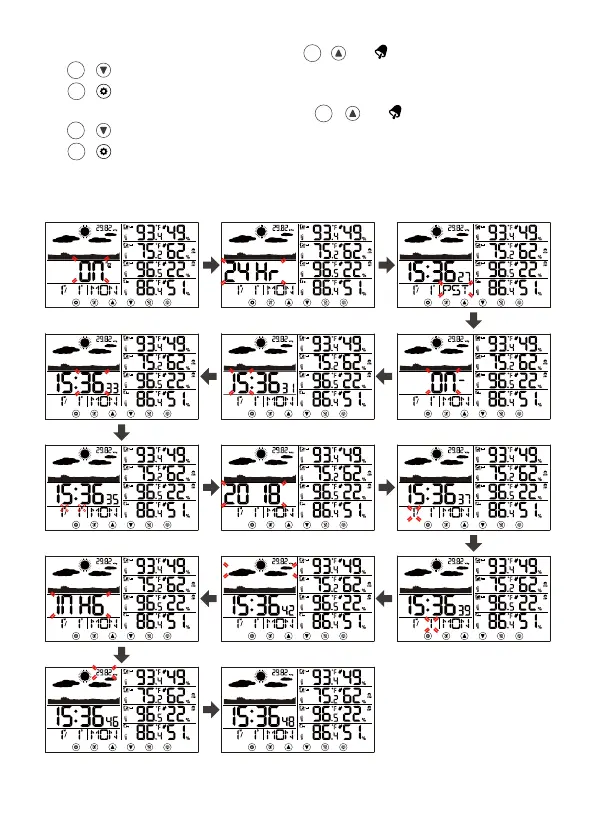
12.) When Air pressure unit flashes, press 【 Up/ 】or
【 Down/°C/°F/RCC】button to select Air Pressure Unit. Press
【 SET】to select Air Pressure value.
13.) When Air Pressure value flashes, press 【 Up/ 】or
【 Down/°C/°F/RCC】button to adjust the Air Pressure value. Press
【 SET】to save all settings and exit the setting.
Note: If there is no valid operation within 20 seconds, it will automatically return
to the normal time display mode from the setting mode.
11
6
9
10
6
9
10



 To Next Page