9
6 TIME SETTING
During atomic clock reception, press and hold 【 Down/°C/°F/RCC】key
over 2 seconds to exit atomic clock reception.
During the RCC receive mode, only the 【 Light/Snooze】and
【 Down/°C/°F/RCC】buttons have a function, other buttons are not
functional. If you want to carry out other functions of operation, please press and
hold 【 Down/°C/°F/RCC】button over 2 seconds to exit the RCC receving
mode.
For information about WWVB, visit
www.nist.gov/pml/div688/grp40/wwvb.cfm
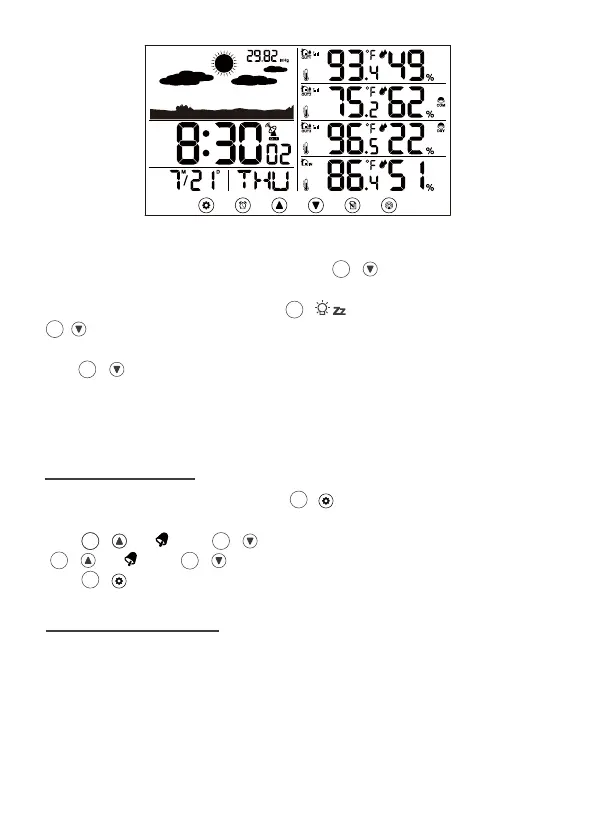
In Normal time display, press and hold 【 SET】over 2 seconds to enter the
time setting mode, RCC ON/OFF will be flashing.
Press 【 Up/ 】and 【 Down/°C/°F/RCC】to adjust the value. Hold
【 Up/ 】and 【 Down/°C/°F/RCC】to adjust the value quickly.
Press 【 SET】to confirm and move to the next item.
10
10
10
99
6
10
10
1
6
9
7 SETTING ORDER
1. RCC On/Off
4. DST On/Off
7. Date Format
10. Date
13. Air Pressure value
3. Time Zone
6. Minute
9. Month
12. Air pressure unit
2. 12/24 Hour Format
5. Hour
8. Year
11. Weather forecast pattern
14. End of Setting
Normal time display



 To Next Page