6
ENG
ENGLISH
ASSEMBLING AND PREPARING
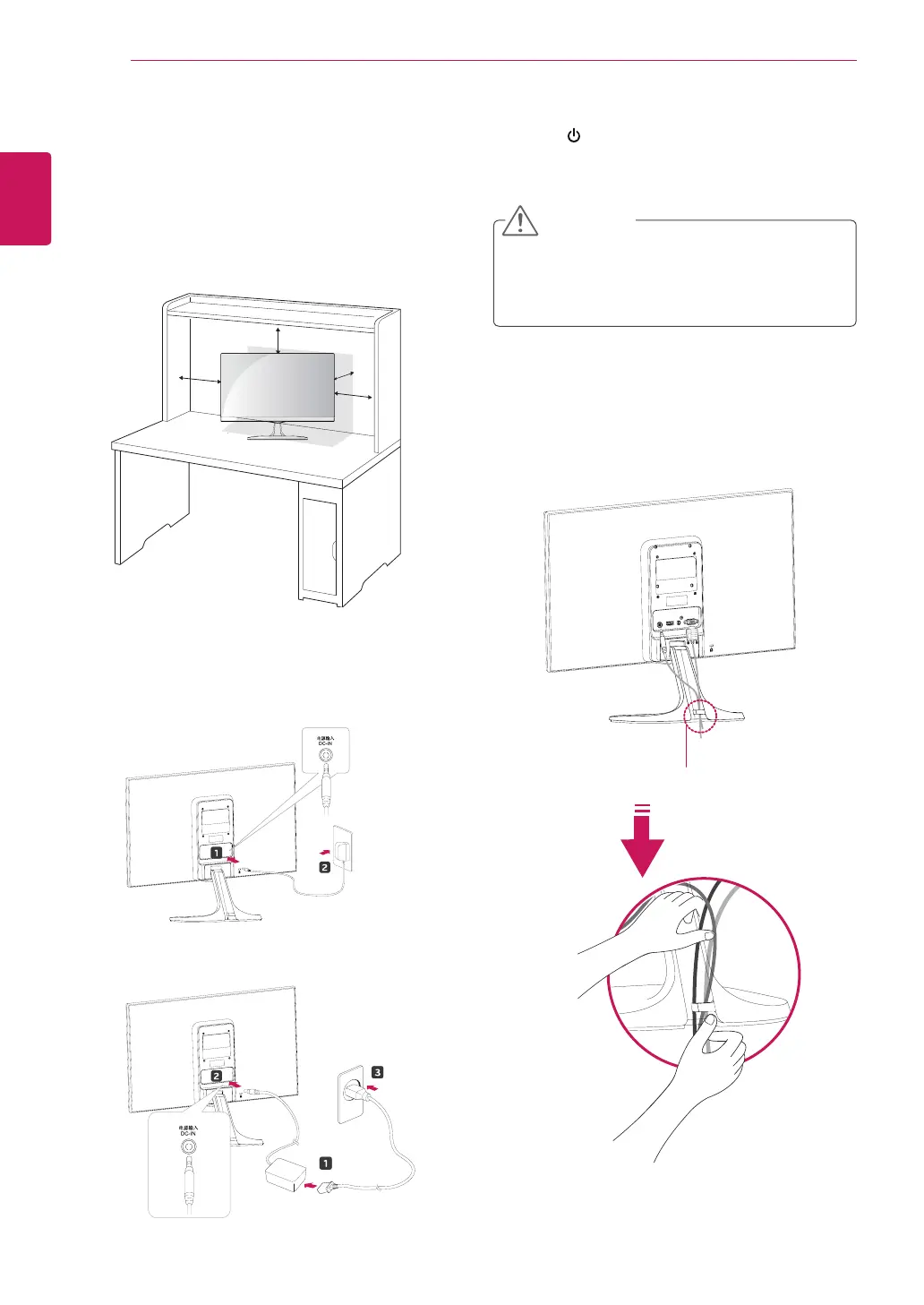
Mountingonatable
1
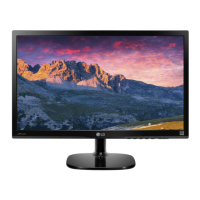
LiftandtilttheMonitorsetintoitsupright
positiononatable.
Leavea10cm(minimum)spacefromthewall
forproperventilation.
2
ConnecttheAC-DCAdapterandPowerCord
toawalloutlet.
3
Press (Power)buttononthebottomswitch
paneltoturnthepoweron.
10 cm
10 cm
10 cm
10 cm
Unplugthepowercordbeforemovingthe
Monitortoanotherlocation.Otherwiseelectric
shockmayoccur.
CAUTION
or
Usingthecableholder
Cableholder


 To Next Page