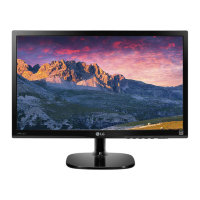
Need help?
Do you have a question about the LG 22MP68VQ and is the answer not in the manual?
Details included items in the product box for assembly.
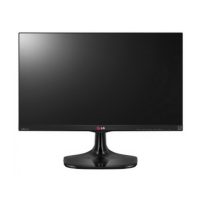
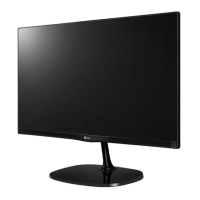
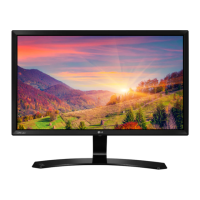
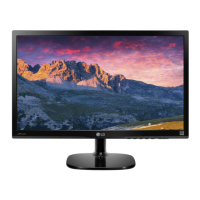
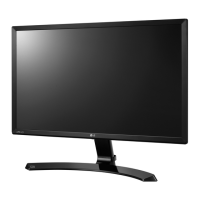
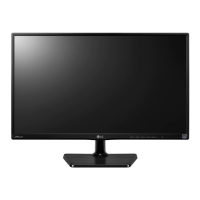
Identifies and explains the monitor's physical components and controls.
Guides on attaching and detaching the monitor stand for setup.
Details connecting the monitor to a computer via D-SUB, DVI-D, or HDMI.
Details on adjusting basic display settings like brightness and contrast.
Explains picture adjustment options like mode, color, and display settings.
 General
| Screen Size | 21.5 inches |
|---|---|
| Resolution | 1920 x 1080 |
| Panel Type | IPS |
| Aspect Ratio | 16:9 |
| Refresh Rate | 60 Hz |
| Response Time | 5ms (GTG) |
| Brightness | 250 cd/m² |
| Contrast Ratio | 1000:1 |
| Viewing Angle | 178°/178° |
| Inputs | HDMI, D-Sub, DVI-D |
| Dynamic Contrast Ratio | 5, 000, 000:1 |
| AMD FreeSync | Yes |
| Color Gamut | sRGB 99% |
| VESA Mount | 75 x 75 mm |

 To Next Page