ENGLISH
20
MAKING CONNECTIONS
Connecting to a PC
Your TV supports the Plug & Play* feature and has the built-in speakers with Virtual Surround that
reproduces sound clearly with a rich bass.
* Plug & Play: The function when a PC recognizes a connected device that users connect to a PC and
turn on, without device configuration or user intervention.
NOTE
If you want to use HDMI-PC mode, you must set the Input Label to PC mode.
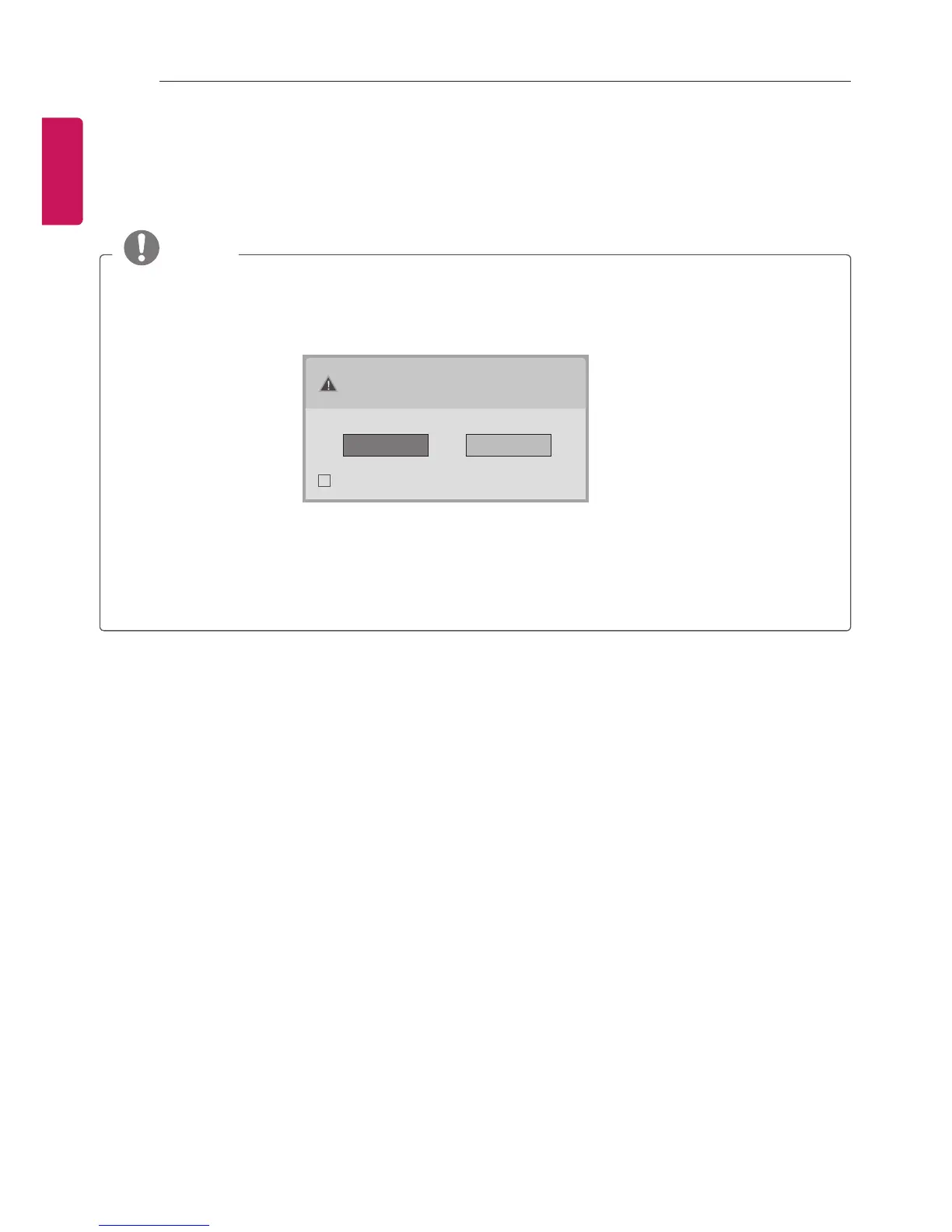
The OSD (On Screen Display) is displayed on the screen as shown below.
»
When turning the product on in HDMI input.
»
When switching to HDMI input.
Is the input connected to your PC?
Do not show message again.
Yes No
If you select “Yes” the size and image quality are optimised for your PC.
If you select “No” the size and image quality are optimised for the AV device
(DVD player, set-top box, gaming device).
If you select “Do not show message again” this message does not appear until the TV is
reset. You can change the set value in SETTINGS
s
INPUT
s
Input Label.



 To Next Page