EasyManua.ls Logo

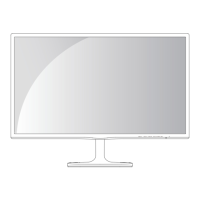
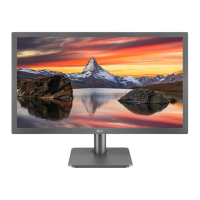
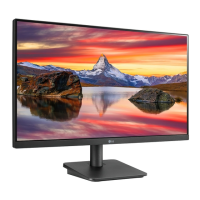
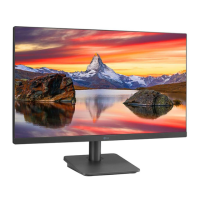
LG 24MP48HQ - User Manual

LG 24MP48HQ
43 pages
Print Icon
To Next Page IconTo Next Page
Loading...
www.lg.com
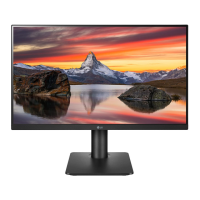
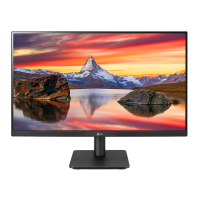
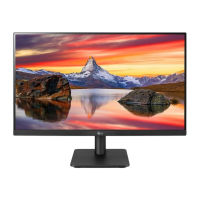
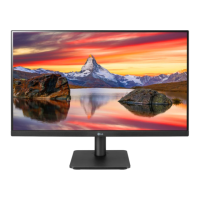
IPS LED MONITOR MODEL
Please read this manual carefully before operating
your set and retain it for future reference.
Owner's Manual
IPS LED MONITOR
(LED MONITOR*)
*LG LED Monitors are LCD Monitors with LED Backlighting.
22MP48A
22MP48D
22MP48HQ
23MP48D
23MP48HQ
20MP48A 24MP48HQ 27MP48HQ

Questions and Answers

  • M
    Michael HendersonJul 29, 2025
    How to fix no image on LG 24MP48HQ?
    • S
      Seth BoyerJul 29, 2025
      If your LG Monitor displays no image, ensure the power cord is properly connected to the outlet and the monitor is turned on. If it's in power saving mode, move the mouse or press a key. Also, verify that your PC is on and the signal cable is securely connected. If the PC's video card signal is out of range, consult the 'Specifications' section of the manual to reconfigure your display.
  • C
    Christina WallaceAug 6, 2025
    What to do if the display image is incorrect on my LG Monitor?
    • B
      Benjamin ReedAug 6, 2025
      If the display image on your LG Monitor is incorrect, press the AUTO button to automatically adjust the image to the ideal setting. Alternatively, check Control Panel ? Display ? Settings to adjust the display to the recommended resolution or adjust the display image to the ideal setting. Also, ensure the color setting is higher than 24 bits (true color).
  • E
    Evan WashingtonAug 13, 2025
    Why is the screen color on my LG 24MP48HQ mono or abnormal?
    • C
      Charles JonesAug 13, 2025
      If the screen color on your LG Monitor appears mono or abnormal, verify that the signal cable is properly connected, tightening it with a screwdriver if necessary. Also, ensure the video card is correctly inserted in its slot and that the color setting is set higher than 24 bits (true color) via Control Panel ? Settings.
  • G
    gsimmonsAug 20, 2025
    How to unlock OSD on LG 24MP48HQ Monitor?
    • P
      Parker AndersonAug 21, 2025
      If you see an 'OSD LOCKED' message on the screen of your LG Monitor, you can unlock the OSD controls by pushing the MENU button for several seconds until the message “OSD UNLOCKED” appears.

Summary

Assembling and Preparing

Using the Monitor Set

Connecting to a PC

Connect your PC to the monitor using D-SUB, DVI-D, or HDMI cables.

Customizing Settings

Troubleshooting

No Image or Signal Issues

Troubleshoot common problems like no image, 'OUT OF RANGE', or 'NO SIGNAL' messages.

Specifications

Model 20 MP48 A Specifications

Detailed technical specifications for the 20MP48A model.

Model 22 MP48 A;D;HQ Specifications

Technical specifications for 22MP48A, 22MP48D, and 22MP48HQ models.

Model 23 MP48 D;HQ Specifications

Technical specifications for 23MP48D and 23MP48HQ models.

Model 24 MP48 HQ Specifications

Detailed technical specifications for the 24MP48HQ model.

LG 24MP48HQ Specifications

General IconGeneral
3DNo
Pixel pitch0.2745 x 0.2745 mm
Aspect ratio16:9
Screen shapeFlat
Display surface-
Display diagonal24 \
Display technologyLED
Contrast ratio (dynamic)1000000:1
Contrast ratio (typical)1000:1
Display number of colors16.78 million colors
Display brightness (typical)250 cd/m²
Supported graphics resolutions1920 x 1080 (HD 1080)
Plug and PlayYes
AC input voltage100 - 240 V
AC input frequency50 - 60 Hz
Energy efficiency scaleA to G
Power consumption (off)0.3 W
Annual energy consumption103 kWh
Power consumption (typical)25 W
Sustainability certificatesEPEAT Gold, ENERGY STAR
CertificationTCO, UL(cUL), TUV-type, FCC-B, CE, EPA 6.0, ErP, EPEAT, Windows
Product colorBlack
Package depth- mm
Package width609 mm
Package height381 mm
Package weight4127.69 g
Cables includedAC, HDMI, VGA
Weight and Dimensions IconWeight and Dimensions
Depth (with stand)187.4 mm
Height (with stand)409 mm
Weight (with stand)2800 g
Depth (without stand)62.5 mm
Width (without stand)549.9 mm
Height (without stand)330.4 mm
Weight (without stand)2600 g

Related product manuals