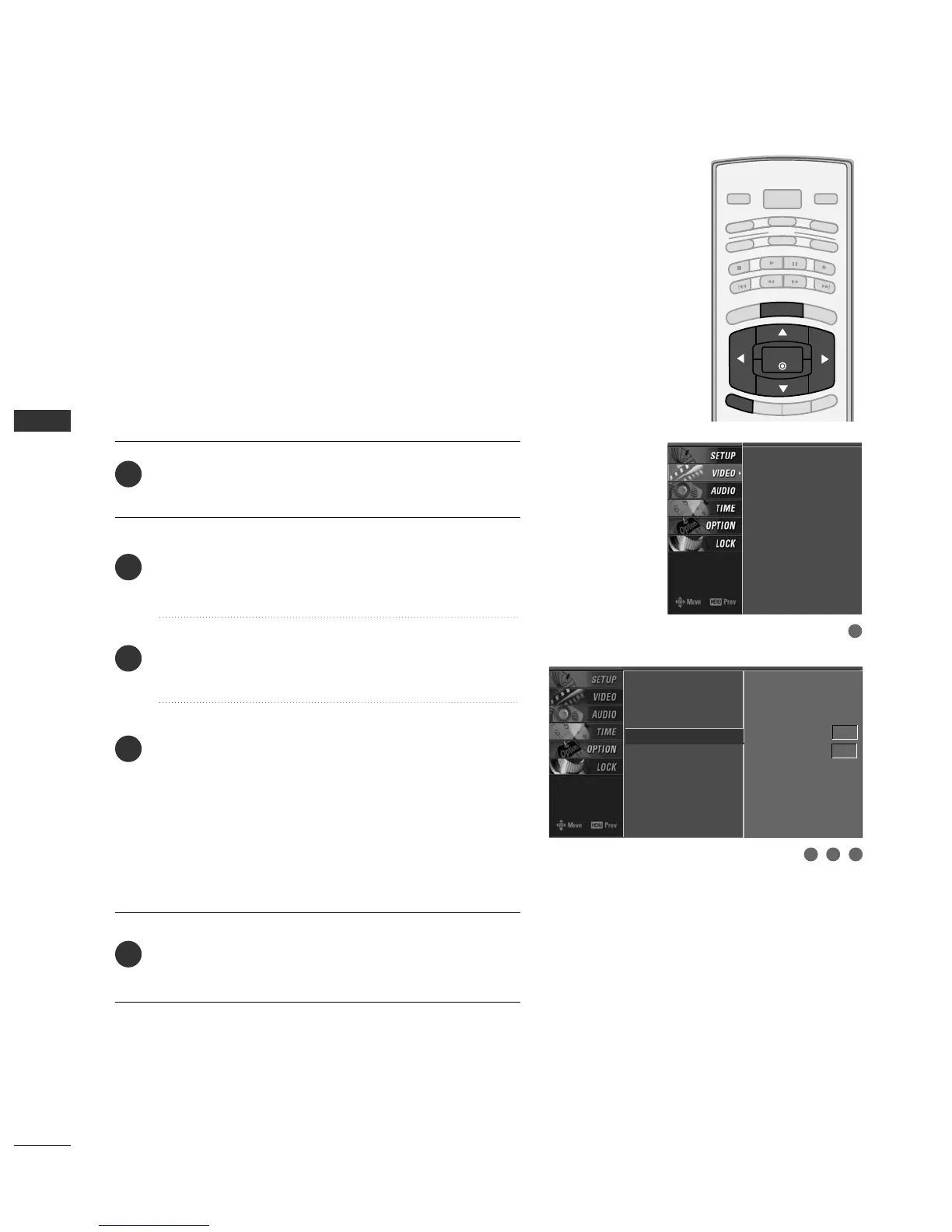
Press the
MMEENNUU
button and then use
DD
or
EE
button
to select the
VVIIDDEEOO
menu.
Press the
GG
button and then use
DD
or
EE
button to
select
AAddvvaanncceedd
.
Press the
GG
button and then use
DD
or
EE
button to
select
BBllaacckk lleevveell
.
Press the
GG
button and then use
DD
or
EE
button to
select
LL ooww
or
HHiigghh
.
■
LL ooww
The screen gets darker.
■
HHiigghh
The screen gets brighter.
Press
EEXXIITT
button to return to TV viewing or press
MMEENNUU
button to return to the previous menu.
Adjusting the contrast and the brightness of the screen
using the black level of the screen.
This feature operates only in AV1, AV2, HDMI1/DVI, or
HDMI2mode.
EZ Picture
Color Temperature
XD
Advanced
G
Video Reset
Cinema 3:2 Mode Off
Black Level Low
EZ Picture
Color Temperature
XD
Advanced
Video Reset
2
3
4
5
1
3 42
1



 To Next Page