EasyManua.ls Logo

LG 32LC7D-UB - Audio Language

LG 32LC7D-UB
94 pages
Print Icon
To Next Page IconTo Next Page
To Previous Page IconTo Previous Page
Loading...
SOUND & LANGUAGE CONTROL
57
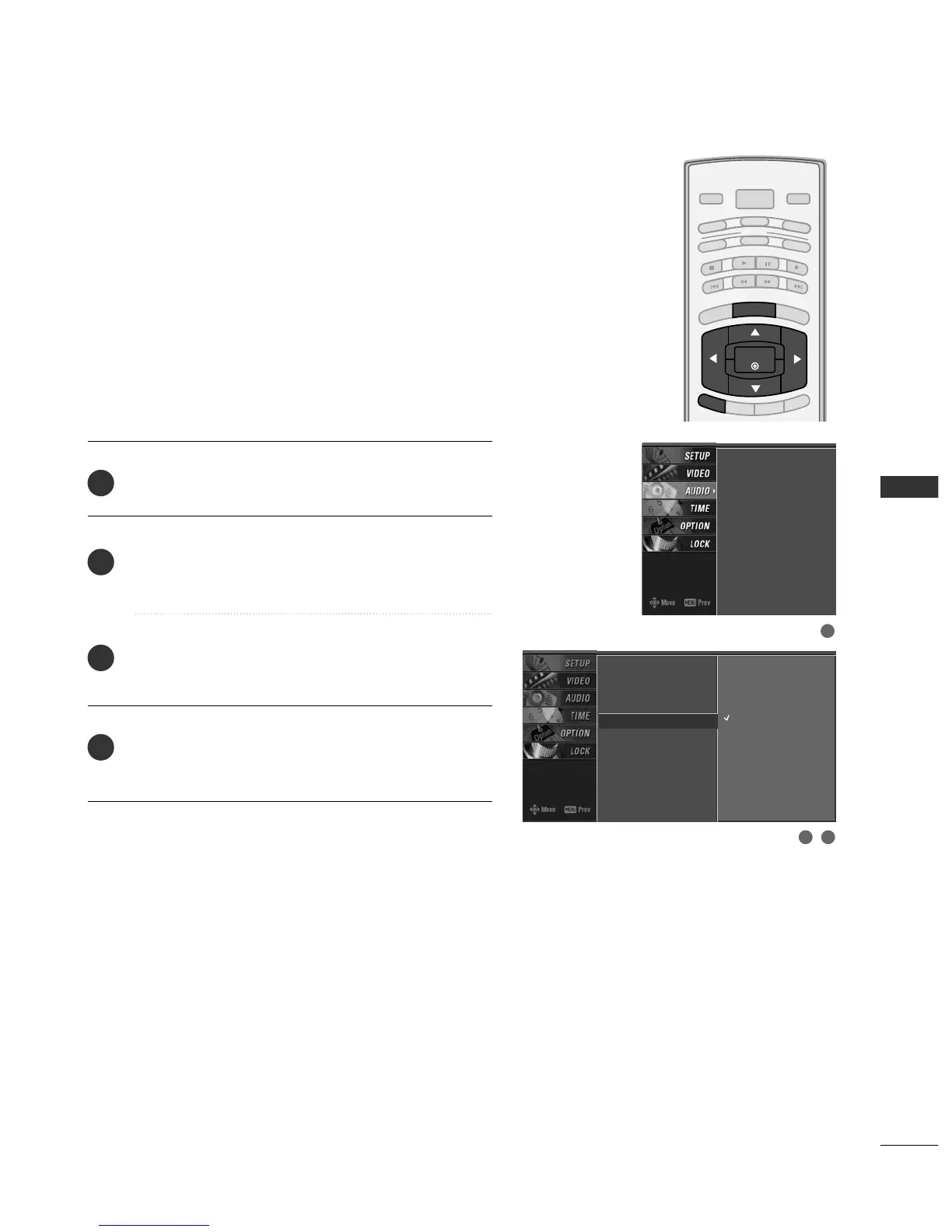
TV SPEAKERS ON/OFF SETUP
BRIGHT -
BRIGHT +
ENTER
TIMER
RATIO
SIMPLINK
POWER
VCR
TV
DVD
AUDIO
CABLE
STB
MODE
TV INPUT
INPUT
EXIT
MENU
Press the
MMEENNUU
button and then use
DD
or
EE
button
to select the
AAUUDDIIOO
menu.
Press the
GG
button and then use
DD
or
EE
button to
select
TTVV SSppeeaakkeerr
.
Press the
GG
button and then use
DD
or
EE
button to
select
OO nn
or
OO ffff
.
Press
EEXXIITT
button to return to TV viewing or press
MMEENNUU
button to return to the previous menu.
Turn the TV speakers off if using external audio equipment.
Feature turns the TV Speakers option On or Off.
Audio Language
EZ Sound
Balance
TV Speaker
G
Off
On
2
3
4
1
Audio Language
EZ Sound
Balance
TV Speaker
2 3
1

Table of Contents

Related product manuals