EasyManua.ls Logo

LG 32LK330 - User Manual

LG 32LK330
184 pages
Print Icon
To Next Page IconTo Next Page
Loading...
eLG
Life's
Good
'.
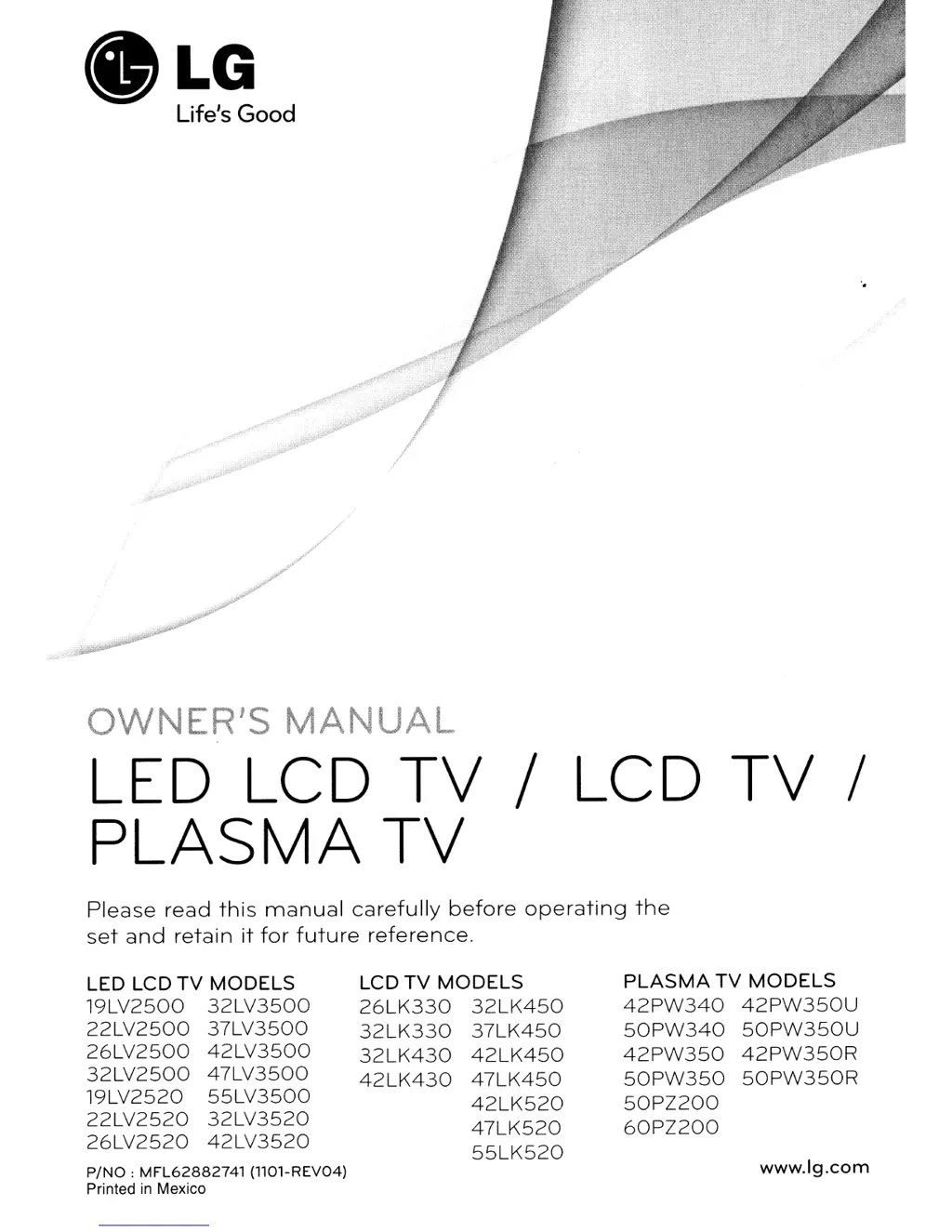
OWNER'S
MANUAL
LED LCD
TV
/ LCD
TV
/
PLASMA
TV
Please
read
this
manual
carefully
before
operating
the
set
and
retain
it
for
future
reference.
LED LCD
TV
MODELS
19LV2500
32LV3500
22LV2500
37LV3500
26LV2500
42LV3500
32LV2500
47LV3500
19LV2520
55LV3500
22LV2520
32LV3520
26LV2520
42LV3520
P/NO:
MFL62882741
(llOl-REV04)
Printed
in
Mexico
LCD
TV
MODELS
26LK330
32LK450
32LK330
37LK450
32LK430
42LK450
42LK430
47LK450
42LK520
47LK520
55LK520
PLASMA
TV
MODELS
42PW340
42PW350U
50PW340
50PW350U
42PW350
42PW350R
50PW350
50PW350R
50PZ200
60PZ200
www.lg.com

Table of Contents

Other manuals for LG 32LK330

Questions and Answers

  • D
    Denise HeathSep 1, 2025
    What to do if my LG LCD TV displays “This file is invalid”?
    • S
      Sonya JohnsonSep 1, 2025
      If your LG LCD TV shows a message saying “This file is invalid” or the audio works but the video doesn't, check if the file plays correctly on a PC to ensure it's not damaged. Also, verify that the resolution, video codec, and frame rate are supported by the TV.
  • G
    Gary MoranAug 25, 2025
    How to fix LG LED TV remote control not working?
    • Q
      qwallAug 25, 2025
      If you cannot control your LG LED TV with the remote, try these steps: First, check the remote control sensor on the TV. Ensure there are no obstacles blocking the path between the remote and the TV. Verify that the batteries in the remote are working and correctly installed. Lastly, confirm that the appropriate input mode (TV or VCR) is selected on the remote.
  • C
    Christopher RodriguezSep 23, 2025
    Why doesn't the file appear on the Movie List of my LG 32LK330?
    • P
      petermyersSep 23, 2025
      Check whether the extension is supported.
  • J
    Jenna HayesSep 6, 2025
    Why are there black spots on my LG LED TV screen?
    • K
      Kimberly DavisSep 6, 2025
      If black spots appear on the screen of your LG LED TV, this can be attributed to the characteristics of the LCD panel, where several pixels in red, green, white, or black may appear. This is normal.
  • R
    Raymond SmithSep 12, 2025
    What if the file does not appear on the Movie List of LG 32LK330 LCD TV?
    • O
      Oscar ByrdSep 12, 2025
      If a file does not appear on the Movie List of your LG LCD TV, check whether the file extension is supported.
  • A
    Angela BrownSep 3, 2025
    What causes horizontal bars on my LG LED TV screen?
    • E
      Elijah BeckSep 4, 2025
      If horizontal or vertical bars appear on your LG LED TV, or if images blur, check for local interferences from electrical appliances or power tools.
  • S
    Shannon MillerAug 29, 2025
    Why does my LG 32LK330 LCD TV image appear slowly?
    • R
      rachelwheelerAug 29, 2025
      It's normal for the image to be muted briefly when you turn on your LG LCD TV. If the image doesn't appear after a few minutes, try unplugging the TV for 30 seconds and then plugging it back in.
  • J
    jandrewsSep 14, 2025
    What to do if my LG 32LK330 LCD TV says no signal?
    • D
      David GonzalezSep 14, 2025
      If your LG LCD TV displays a 'No Signal' message, ensure the signal cable is properly connected between the TV and any external devices. Also, verify that you've selected the correct input source by pressing the INPUT button on your remote.
  • H
    Heather RobinsonSep 9, 2025
    How to fix black and white image on LG 32LK330?
    • J
      Jeffery JonesSep 9, 2025
      If the image on your LG LCD TV is displaying in black and white or the color quality is poor, try the following: * Adjust the color settings in the menu. * Ensure there's sufficient distance between the TV and other electronic devices. * Try switching to other channels to rule out a broadcast problem.
  • J
    Jeffrey FuentesAug 27, 2025
    Why does my LG LED TV keep turning off by itself?
    • G
      gonzalezryanAug 27, 2025
      If your LG LED TV is turning off suddenly, check the power control settings to ensure the power supply isn't interrupted. Also, verify if the Auto sleep feature is activated in the Time settings. If there is no signal while the TV is on, the TV will turn off automatically after 15 minutes of inactivity.

Summary

IMPORTANT SAFETY INSTRUCTIONS

ASSEMBLING AND PREPARING

Unpacking

Check your product box for the following items if there are any missing accessories.

Parts and buttons

Details the buttons on various LG TV models and their functions.

Lifting and moving the TV

Instructions for safely moving the TV to prevent damage or injury.

Setting up the TV

Instructions for placing and securing the TV on a table or wall.

REMOTE CONTROL

WATCHING TV

Turning the TV on for the first time

Steps for initial setup and basic settings customization.

3 D IMAGING (FOR 3 D TV)

When using 3 D Glasses

Precautions and guidelines for using 3D glasses.

CUSTOMIZING TV SETTINGS

MAKING CONNECTIONS

Connecting to a HD receiver, DVD, or VCR player

How to connect external video sources like HD receivers, DVD, or VCR players.

Connecting to a PC

Instructions for connecting a personal computer to the TV.

ENTERTAINMENT

Connecting USB storage devices

How to connect USB storage devices to the TV for multimedia features.

TROUBLESHOOTING

LG 32LK330 Specifications

General IconGeneral
Product colorBlack
Power requirements100 - 240 V, 50/60 Hz
Annual energy consumption132 kWh
Response time5.2 ms
Display diagonal32 \
Display resolution1366 x 768 pixels
Display technologyLCD
Native aspect ratio16:9
Native refresh rate60 Hz
Contrast ratio (dynamic)30000:1
Display diagonal (metric)80 cm
Screen format adjustments4:3
Audio formats supportedMP3
Video formats supportedDivX
AV input2
HDMI ports quantity3
SCART ports quantity0
USB 2.0 ports quantityUSB 2.0 ports have a data transmission speed of 480 Mbps, and are backwards compatible with USB 1.1 ports. You can connect all kinds of peripheral devices to them.
Digital audio optical out1
Sustainability certificatesENERGY STAR
Power consumption (standby)0.3 W
Power consumption (typical)91 W
RMS rated power20 W
Handheld remote controlNo
Weight and Dimensions IconWeight and Dimensions
Depth (with stand)207 mm
Width (with stand)800 mm
Height (with stand)565 mm
Weight (with stand)9200 g
Depth (without stand)74 mm
Height (without stand)509 mm
Weight (without stand)8200 g

Related product manuals