32
Sound adjustment
Sound adjustment
SSM (Sound Status Memory)
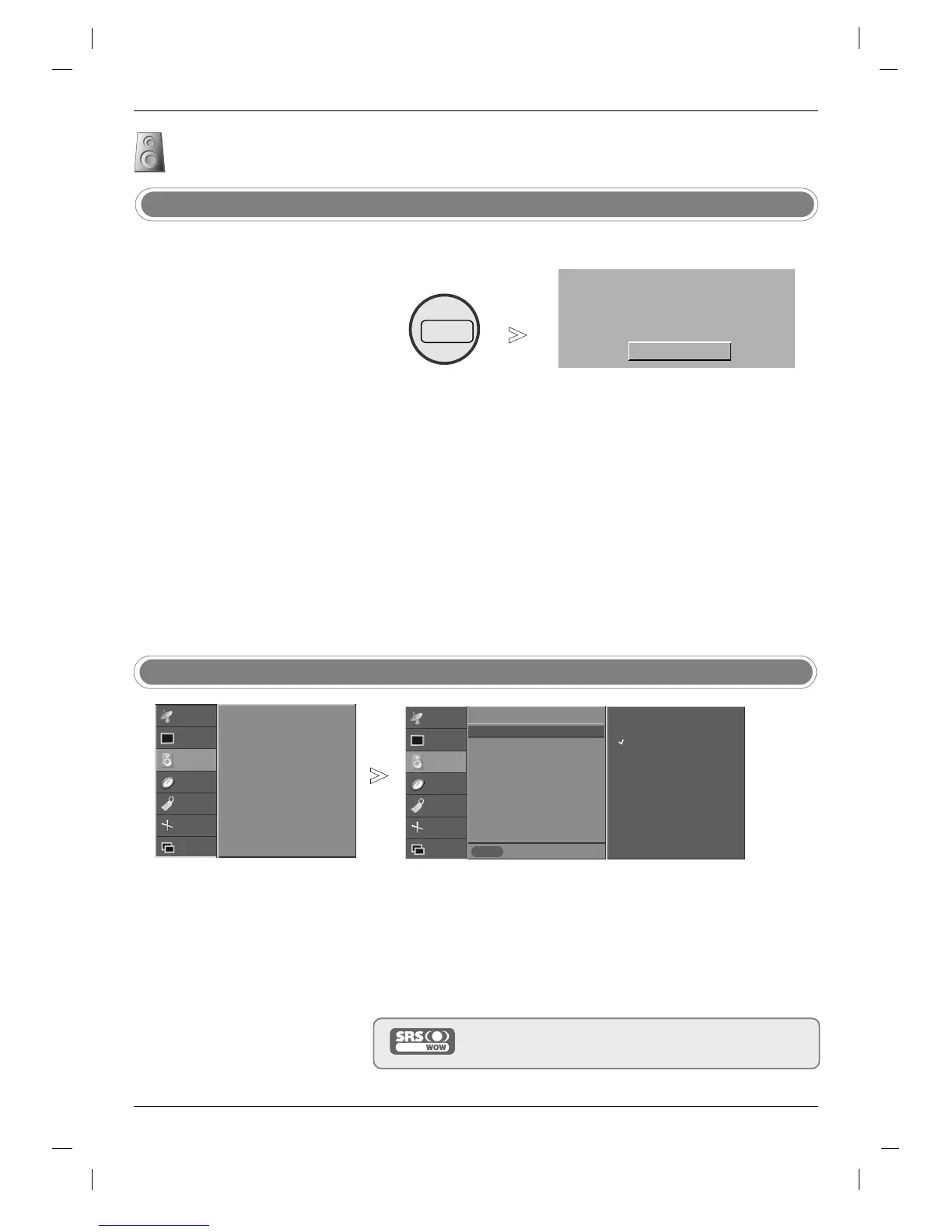
- The SRS WOW function plays
back the mono or stereo sound
input with the dynamic surround
effects. It will provide rich and pro-
found sound tone.
- If you set the SRS WOW ON,
Treble/Bass can not be adjusted.
SRS WOW
STATION
PICTURE
SOUND
TIME
SPECIAL
SCREEN
PIP/DW
Prev.
Menu
SSM
SRS WOW
AVL
Balance 0
Treble 50
Bass 50
TV speaker
On
Off
Press the MENU button and then
DD
/
EE
button to select the SOUND menu.
Press the
GG
button and then
DD
/
EE
button to select SRS WOW.
Press the
GG
button and then
DD
/
EE
button to select On or Off.
Press the EXIT button to return to normal TV viewing.
is a trademark of SRS Labs, Inc.
technology is incorporated under license from SRS Labs, Inc.
1
2
3
4
- SSM lets you enjoy the best
sound without any special adjust-
ment because the TV sets the
appropriate sound options based
on the program content.
- When adjusting sound equalizer
manually,
SSM automatically
switches to
User.
-
Flat, Music, Movie, and Sports
are preset for good sound quality
at the factory and are not
adjustable.
- You can also use the
SOUND
menu to adjust SSM.
Flat
Press the SSM button repeatedly to select the picture appearance
setup option as shown below:
Flat, Music, Movie, Sports, or User.
1
SRS WOW
GG
SSM
STATION
PICTURE
SOUND G
TIME
SPECIAL
SCREEN
PIP/DW
SSM
SRS WOW
AVL
Balance 0
Treble 50
Bass 50
TV speaker


 To Next Page
 Loading...