EasyManua.ls Logo

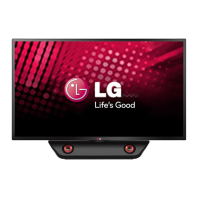
LG 47LN5390UN - User Manual

LG 47LN5390UN
15 pages
Print Icon
To Next Page IconTo Next Page
Loading...
www.lg.comP/NO : MFL67651196 (1305-REV00)
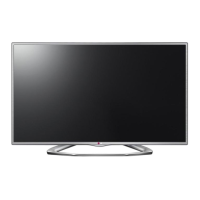
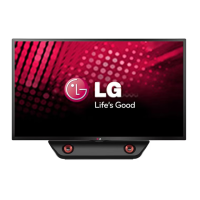
42LN5390
47LN5390
Please read this manual carefully before operating
your TV and retain it for future reference.
OWNER’S MANUAL
LED TV
* LG LED TV applies LCD screen with LED backlights.

Questions and Answers

  • P
    petersenlucasAug 12, 2025
    Why does my LG 47LN5390UN turn off suddenly?
    • C
      Catherine HawkinsAug 12, 2025
      Your LG LED TV might be turning off suddenly due to a few reasons. The power supply could be interrupted, so check the power control settings. Also, the Auto sleep feature might be activated in the Time settings. If there is no signal while the TV is on, the TV will turn off automatically after 15 minutes of inactivity.
  • R
    Ricardo KruegerAug 22, 2025
    What to do if my LG 47LN5390UN LED TV has no image and sound?
    • K
      Kerri MckeeAug 22, 2025
      If your LG LED TV isn't displaying an image or producing sound, first, check if the TV is turned on. Then, make sure the power cord is properly connected to a wall outlet. Finally, test the wall outlet by connecting other products to see if there's a problem with the outlet itself.
  • J
    James KimSep 1, 2025
    How to fix LG 47LN5390UN remote control not working?
    • B
      Brian BrownSep 1, 2025
      If you're unable to control your LG LED TV with the remote, start by checking the remote control sensor on the TV and try again. Ensure that there are no obstacles blocking the path between the TV and the remote control. Also, verify that the batteries in the remote are working and properly installed.

LG 47LN5390UN Specifications

General IconGeneral
Screen Size47 inches
Display TypeLED
Resolution1920 x 1080
Refresh Rate60 Hz
Motion Clarity Index120
Aspect Ratio16:9
HDMI Ports2
USB Ports1
Smart TVNo
Audio Output20W
Built-in Wi-FiNo
Energy Star CertifiedYes

Related product manuals