Guide to Using Content Rotation
[Portrait installation setting]
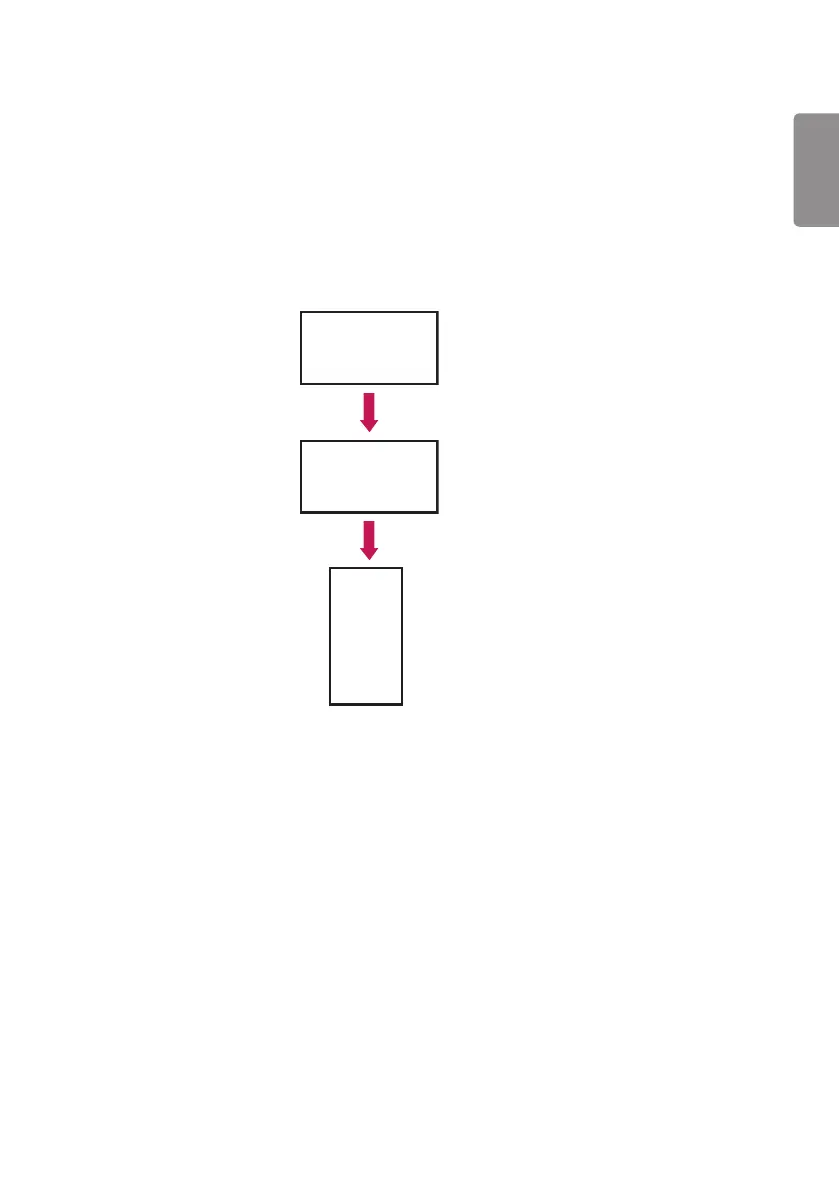
You can turn the image into a portrait image using Content Rotation.
When installing the display rotated 90 degrees: Set Content Rotation to 270.
When installing the display rotated 270 degrees: Set Content Rotation to 90.
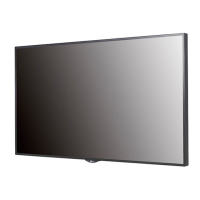
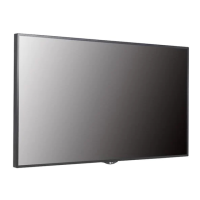
Example) When installing the display rotated 90 degrees
Rotating displays
(90 degrees)
Original
Content Rotation
(270 degrees)
ENGLISH
19



 To Next Page