Messaging
4. Options from here:
●
Press the Left Soft Key
[
Erase
].
●
Press the OK Key
[
OPEN
] to open the
message.
●
Press the Right Soft Key
[
Options
].
Reply Replies to the
origination address of the
received message.
Reply With Copy Replies to
the origination address with
the received message.
Forward Forwards a received
message to other destination
address(es).
Lock/Unlock Locks or unlocks
the selected message.
Add To Contacts Stores the
callback number, email
address, and numbers from
the address of the received
message into your Contacts.
Erase Inbox Erases all read,
unlocked messages stored in
the Inbox.
Message Info Allows you to
check the received message
information.
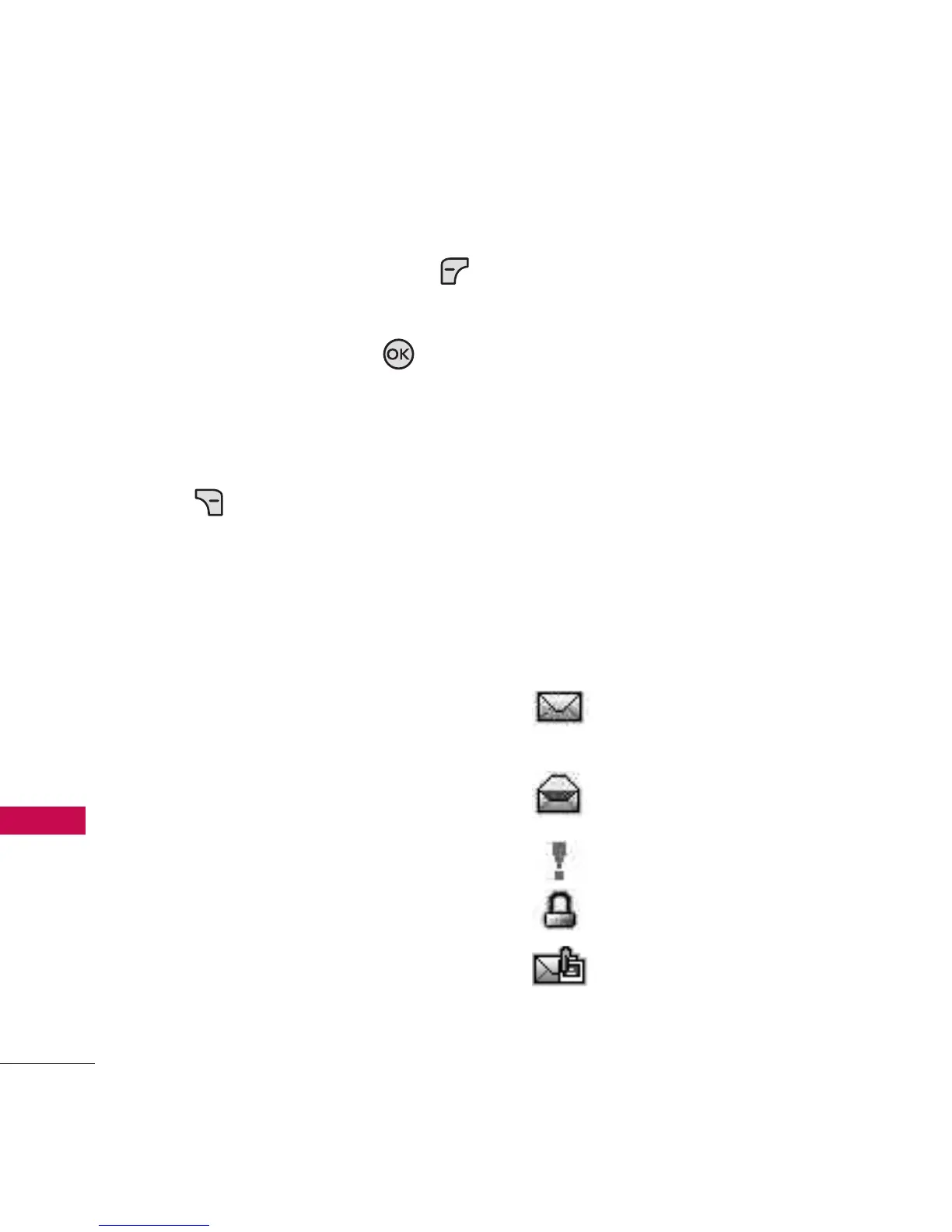
Message Icon Reference
New/ Unread TXT
Messages
Opened/ Read TXT
Messages
Priority High
Locked
New/ Unread
Multimedia Message
46
Messaging



 To Next Page