Settings
98
Settings
4.0 Serving System
Allows you to set up the phone
management environment. Leave
this setting as the default unless
you want to alter system
selection as instructed by your
service provider.
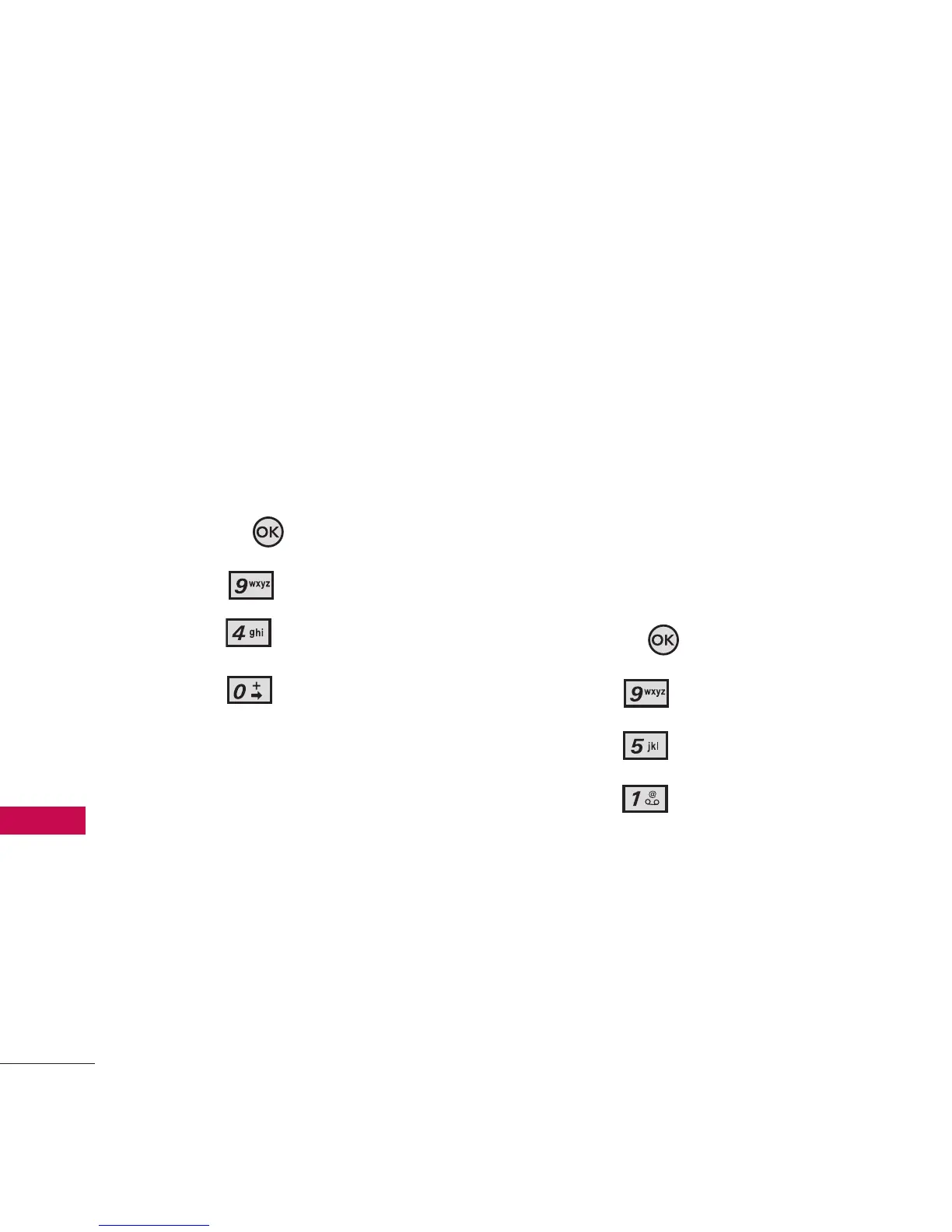
1. Open the flip and press the
OK Key
[MENU]
.
2. Press
Settings.
3. Press
Phone Settings.
4. Press
Serving System.
5. Call Settings
The Call Settings Menu allows
you to designate how the phone
handles both incoming and
outgoing calls.
5.1 Answer Options
Allows you to determine how the
phone will answer an incoming
call.
1. Open the flip and press the
OK Key
[MENU]
.
2. Press
Settings.
3. Press
Call Settings.
4. Press
Answer Options
.



 To Next Page