67
Tools
●
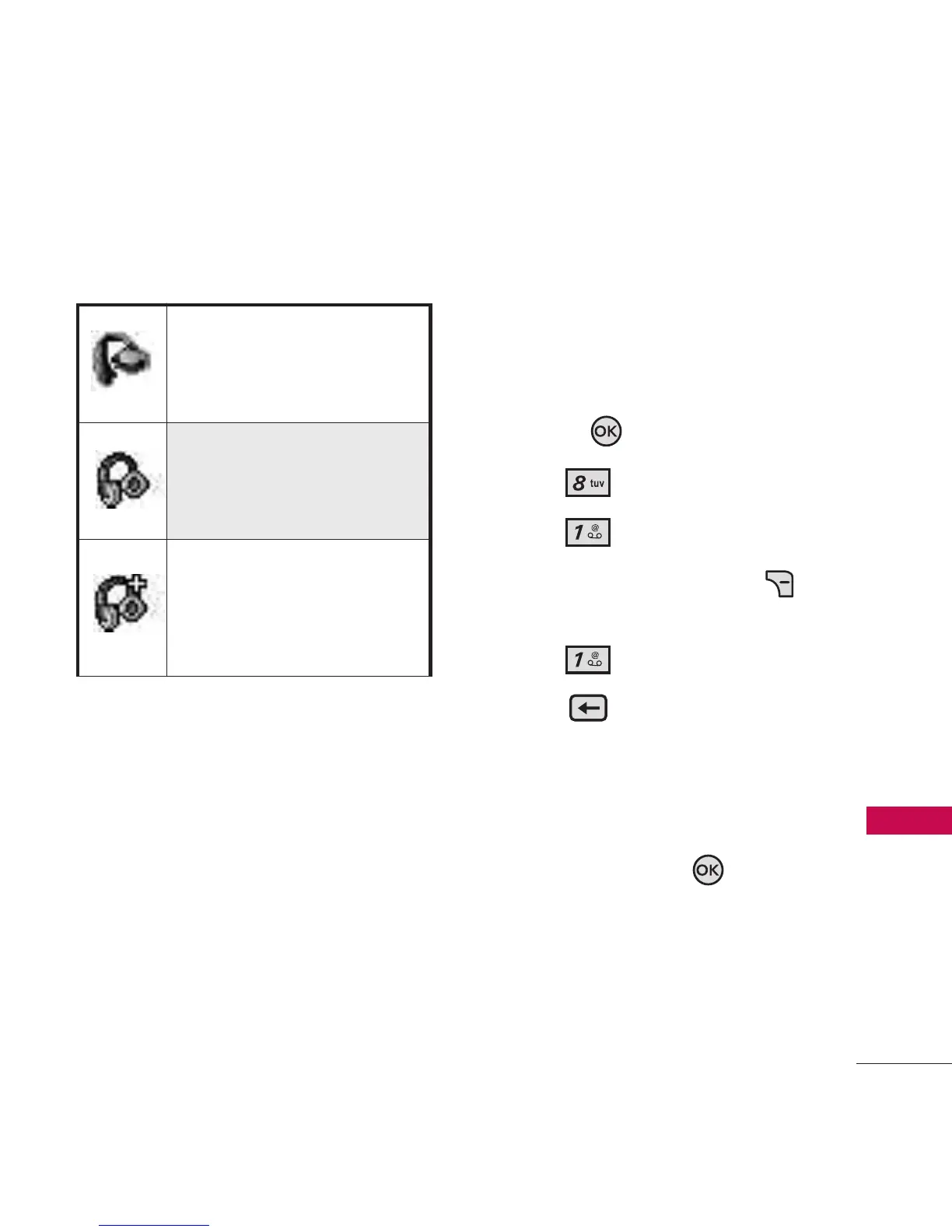
Icon References When
Successfully Connected
My Device Info
Allows you to edit the name of
the Bluetooth
®
device when Add
New Device menu is highlighted.
1. Open the flip and press the
OK Key
[MENU]
.
2. Press
Tools
.
3. Press
Bluetooth Menu.
4. Press the Right Soft Key
[
Options
].
5. Press
My Device Info.
6. Press to clear the
existing name or edit it.
7. Use the keypad to enter a new
custom name.
8. Press the OK Key to save
and exit.
When an only mono
headset is connected with
your LG5500 device
When an only stereo
headset is connected with
your LG5500 device
When stereo headsets and
mono headsets are all
connected with your LG5500
device



 To Next Page