50
Call Option [Menu 2]
Use the “Call Option” menu to access supplementary services provided by
the GSM network.
Call Divert [Menu 2-1]
(network and subscription dependent)
The Call Divert service diverts incoming voice calls, fax calls, and/or data
calls to another number.
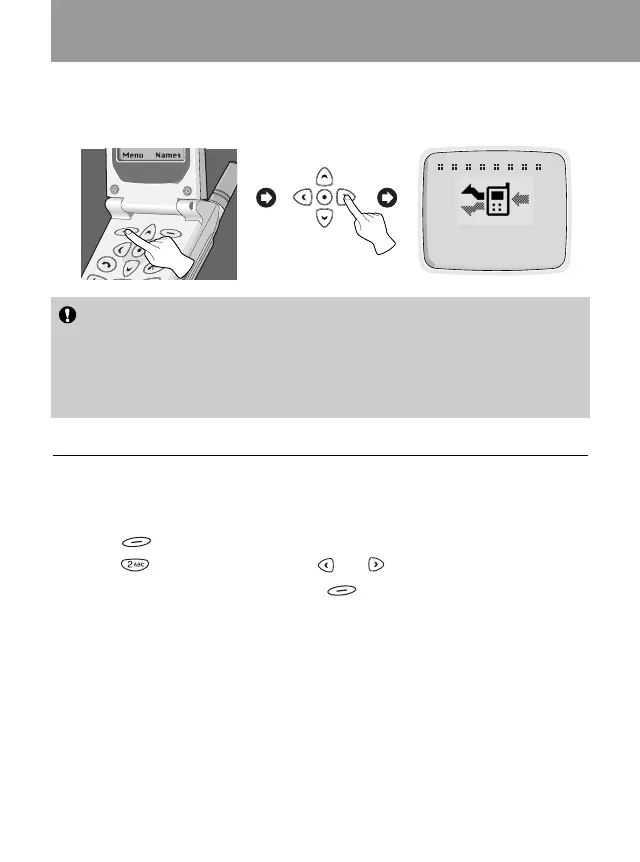
1. Press [Menu] in a standby mode.
2.
Press for direct access or use and to enter Call Option.
3. Select Call Divert menu and press [OK] to enter.
4. Select Voice Calls.
■ Voice Calls [Menu 2-1-1]
• Divert All Voice Calls : Divert calls unconditionally.
•
Divert if not Reachable
:
Divert calls when the network cannot reach you.
• Divert if Busy : Divert calls when the phone is busy.
•
Divert if No Reply
: Divert calls which you do not answer.
• Cancel All : Only cancel voice call divert.
Note
• The Call Divert, Call Barring, and Call Waiting menus each contains
an option for displaying the current status of the service. This
function makes a call to the network. This call may be charged to
you. Check with your service provider.
Accessing the Menu
2
Call Option
O K Back
<Press once>



 To Next Page