58
Safety Information
MENU DESCRIPTION
Network Selection [Menu 5-1]
You can select the network which you will be registered either automatically
or manually.
■ Automatic [Menu 5-1-1]
The phone automatically selects network which is available in the area.
■
Manual [Menu 5-1-2]
The phone will find the list of available networks and show it to you.
Then you can select the network which you want to use if this network
has a roaming agreement with your home network operator.
Phone Setting [Menu 5-2]
■ Alert [Menu 5-2-1]
This setting defines how the phone will notify you about an incoming
voice call: Ring, Vibrate, Vibrate & Ring, Ring After Vibrate, and
Silent. Once you select this menu, the following is possible.
This phone shows the menu : Ring, Vibrate, Vibrate & Ring, Ring After
Vibrate, Silent by pressing and and select one.
■
Backlight [Menu 5-2-2]
You can set how long you want the keypad and display to light up each
time you press a key : Off, Always Open Flip, 20 seconds, 10
seconds, 5 seconds.
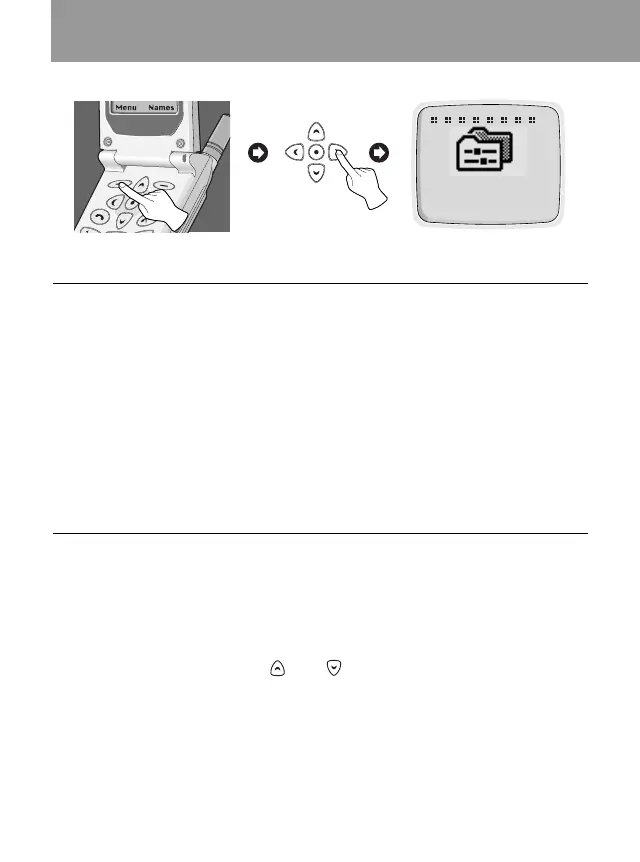
Setting [Menu 5]
Accessing the Menu
5
Setting
O K Back
<Press four times>



 To Next Page